Hero

Simple Analytics Alternative

Love Simple Analytics' privacy focus and clean dashboard? OpenPanel adds product analytics capabilities - funnels, cohorts, retention, and user identification - plus self-hosting options and longer data retention on the free tier.

  • Open-source
  • Privacy-first
  • Self-hostable
  • Product Analytics
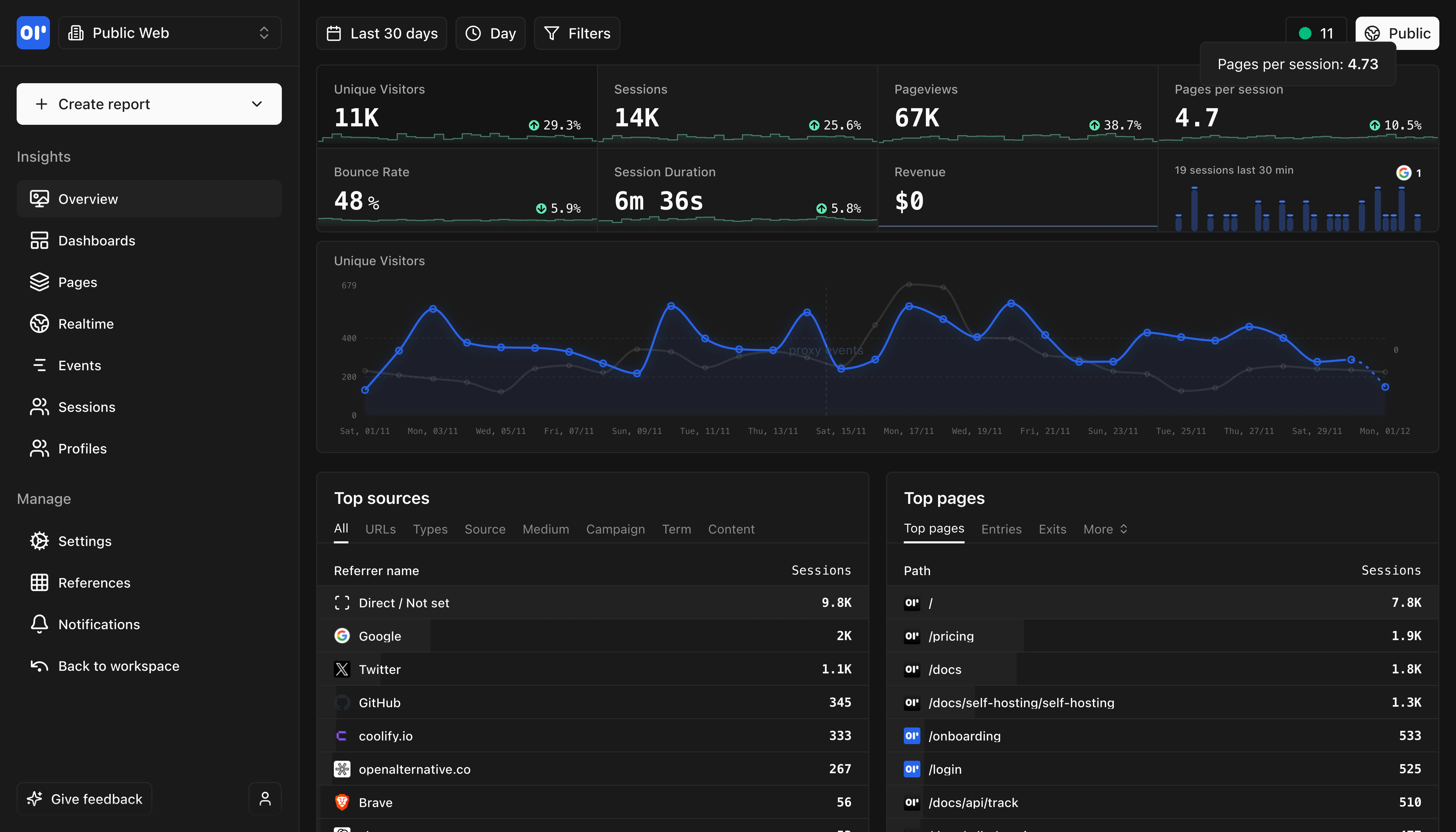
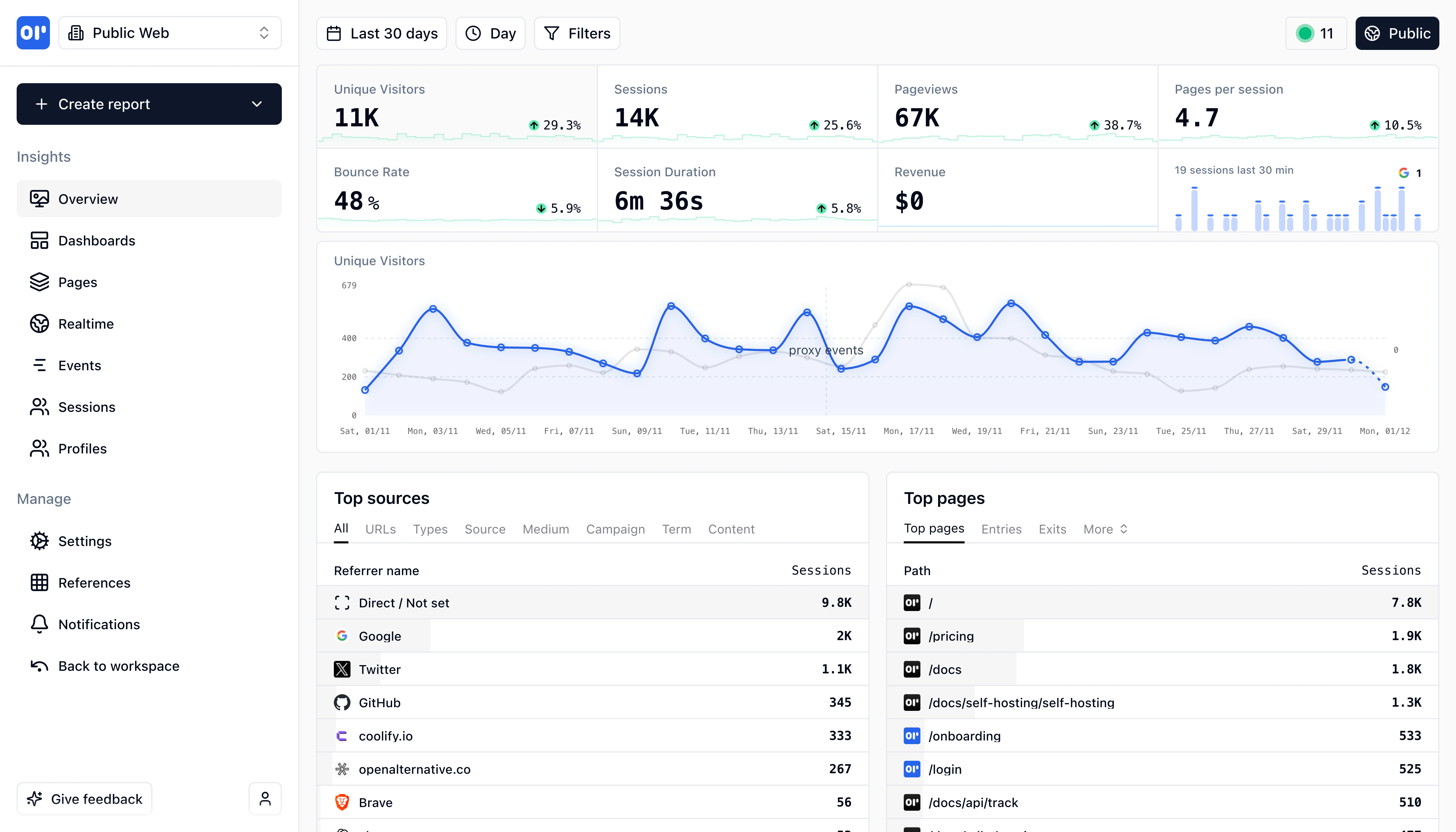
OpenPanel Dashboard Overview
This is our web analytics dashboard, its an out-of-the-box experience so you can start understanding your traffic and engagement right away.

OpenPanel vs Simple Analytics: Which is right for you?

Both are privacy-focused analytics platforms. Simple Analytics focuses on simple web traffic metrics. OpenPanel adds product analytics with user identification and self-hosting.

Choose OpenPanel if...

1

SaaS products needing user-level analytics and retention tracking

2

Teams wanting self-hosting for complete data control

3

Projects needing longer free-tier data retention (vs 30 days)

Choose Simple Analytics if...

1

Simple content sites and blogs wanting traffic stats only

2

Teams valuing the AI assistant for conversational analytics queries

3

Users wanting Mini Websites feature to see exact referring pages

OpenPanel Dashboard
Comprehensive analytics dashboard with real-time insights and customizable views.

Key differences at a glance

Here's how OpenPanel and Simple Analytics compare on key factors.

FeatureOpenPanelSimple Analytics
Analytics Depth
Web + Product Analytics
Web Analytics Only
Self-Hosting
Full self-hosting available
Cloud-only (no self-host option)
Free Tier Data Retention
Full data retention
30-day retention only
User Identification
Yes - Track individual users
No - Anonymous aggregate only
AI Assistant
Coming Soon
Yes - Chat with analytics
Page Views & Visitors
Traffic Sources
Both track referrers and traffic sources
Geographic Data
Simple Analytics uses timezone instead of IP for location
Device & Browser
UTM Campaign Tracking
Real-Time Dashboard
Custom Event Tracking
Both support custom events
Funnel Analysis
Simple Analytics has basic goals but no multi-step funnels
Retention Analysis
Simple Analytics' anonymous model doesn't support retention
User Profiles
Simple Analytics intentionally doesn't track individual users
Cohort Analysis
Simple Analytics provides aggregate data only
User Path Analysis
Simple Analytics shows top pages but not user journeys
A/B Testing
Simple Analytics is analytics-only, no experimentation
AI Chat Assistant
Simple Analytics AI lets you chat with your analytics
Email Reports
Both offer scheduled email reports
Dashboard Sharing
Both support public and private dashboard sharing
Google Analytics Import
Simple Analytics has a GA import tool
Ad-Blocker Bypass
Simple Analytics requires Team plan for this feature
Cookie-Free by Default
Both are cookieless by default
No Consent Banner Required
Both claim no consent needed for basic analytics
GDPR Compliant
Both designed with GDPR compliance in mind
EU Data Hosting
Simple Analytics data never leaves Netherlands/EU
Self-Hosting Option
Simple Analytics is cloud-only
HIPAA Compliant
Simple Analytics claims HIPAA compliance (no PHI collected)
REST API
Simple Analytics offers Stats API and Export API
Data Export
Both support CSV export
WordPress Plugin
Both have WordPress integrations
NPM/JavaScript SDK
Both provide JavaScript integration options

Feature comparison

Both are privacy-focused, but with different capabilities and feature sets.

Page Views & Visitors

Traffic Sources

Geographic Data

Device & Browser

UTM Campaign Tracking

Real-Time Dashboard

Custom Event Tracking

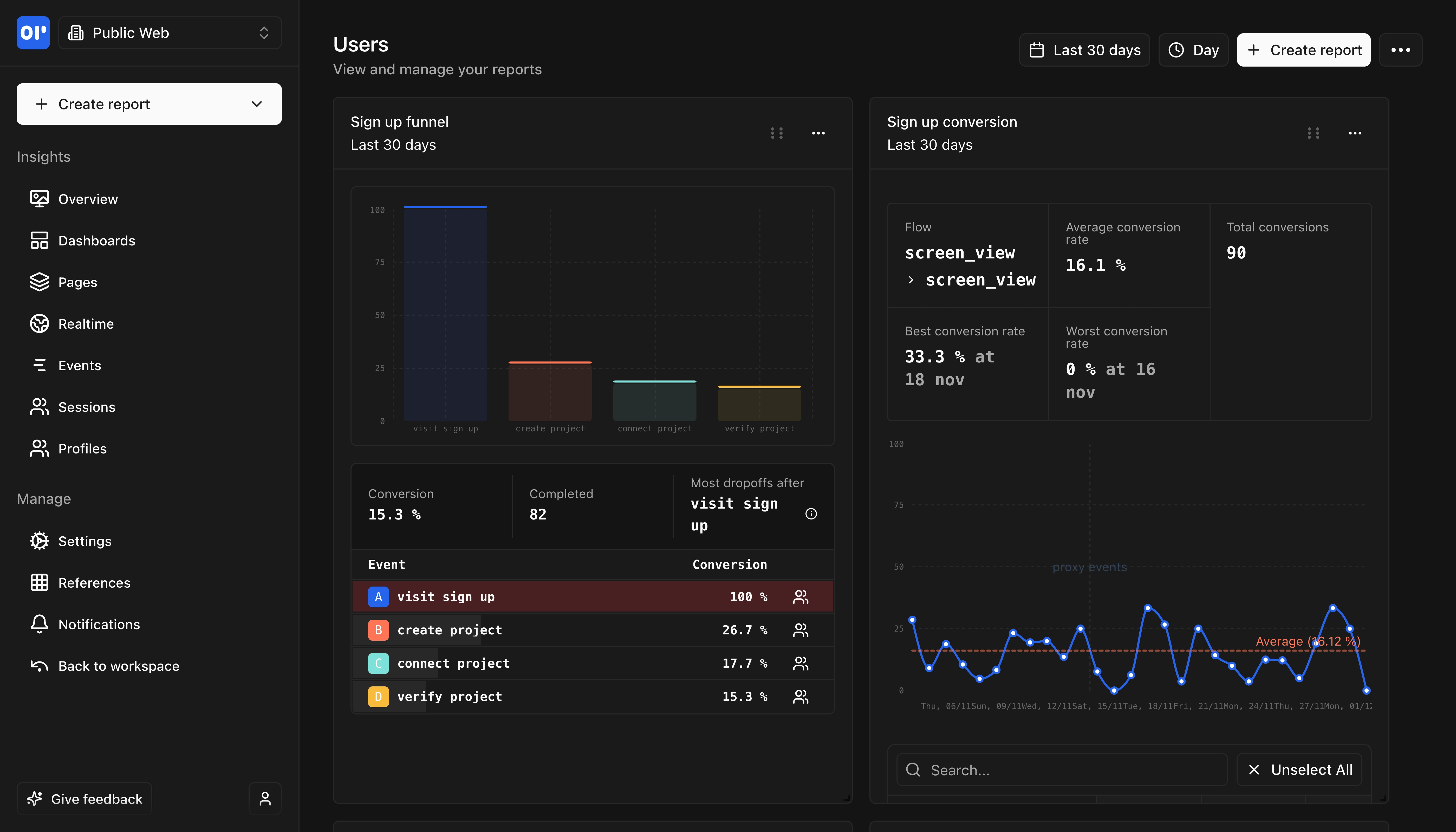
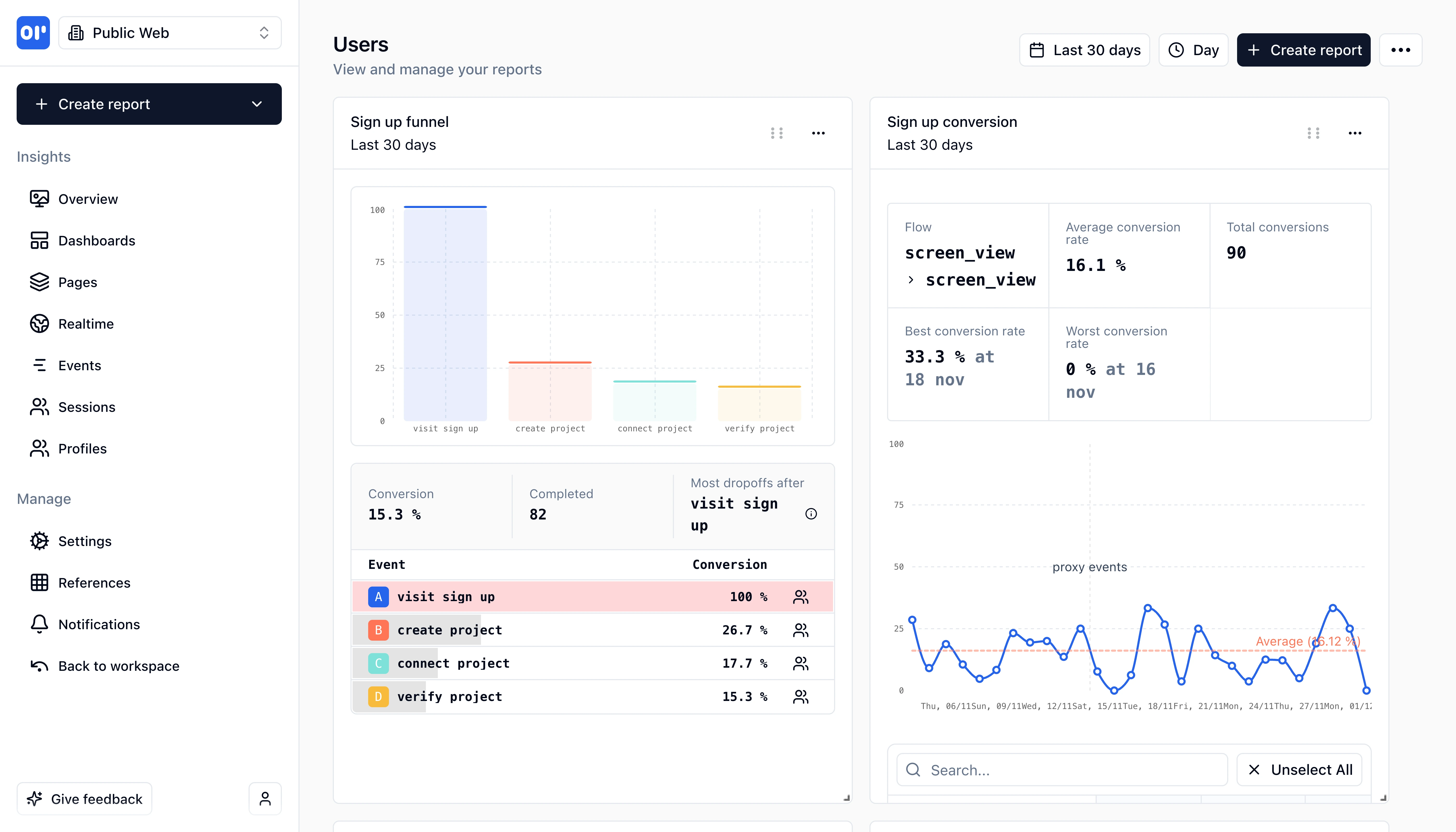
Funnel Analysis

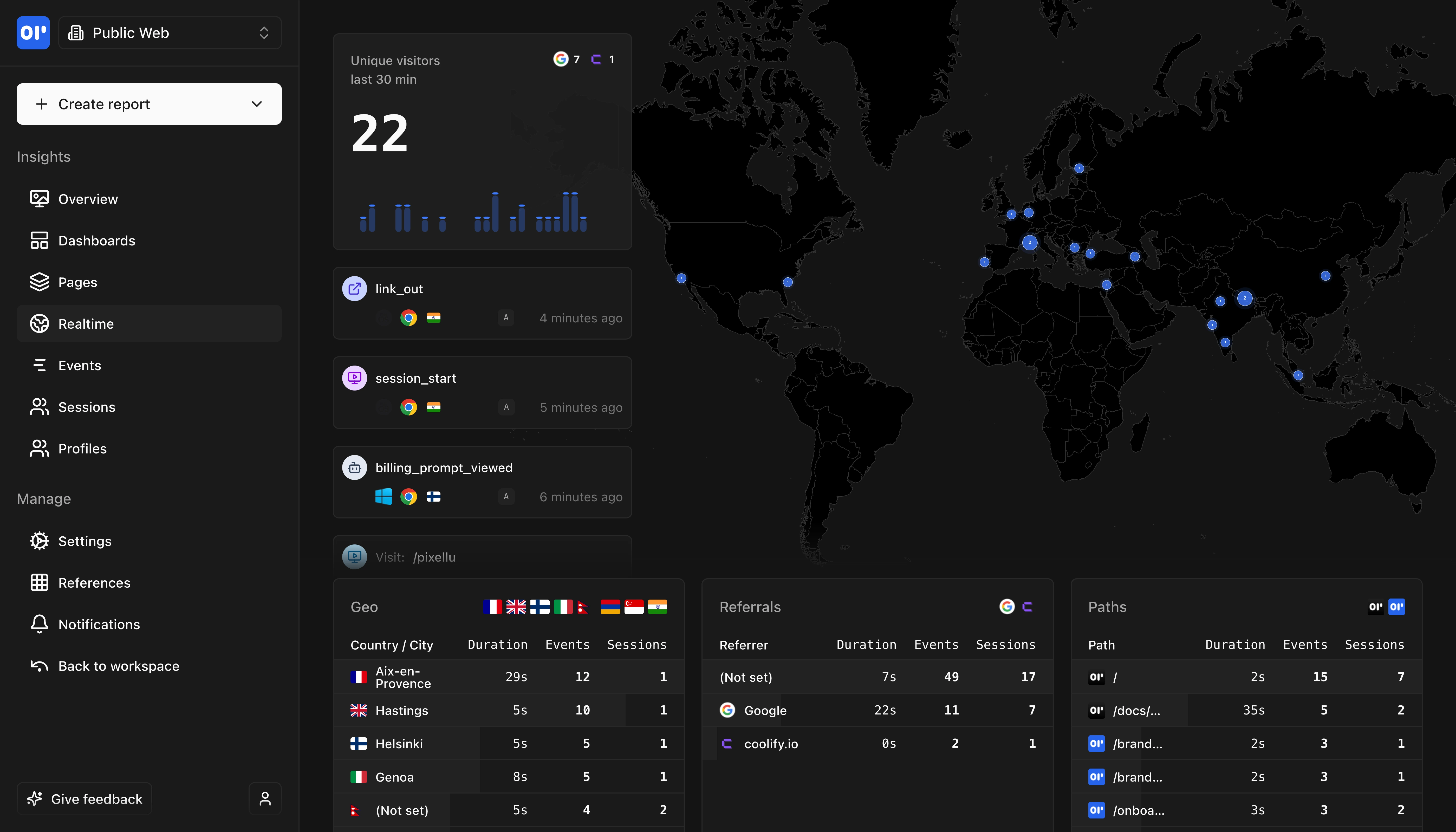
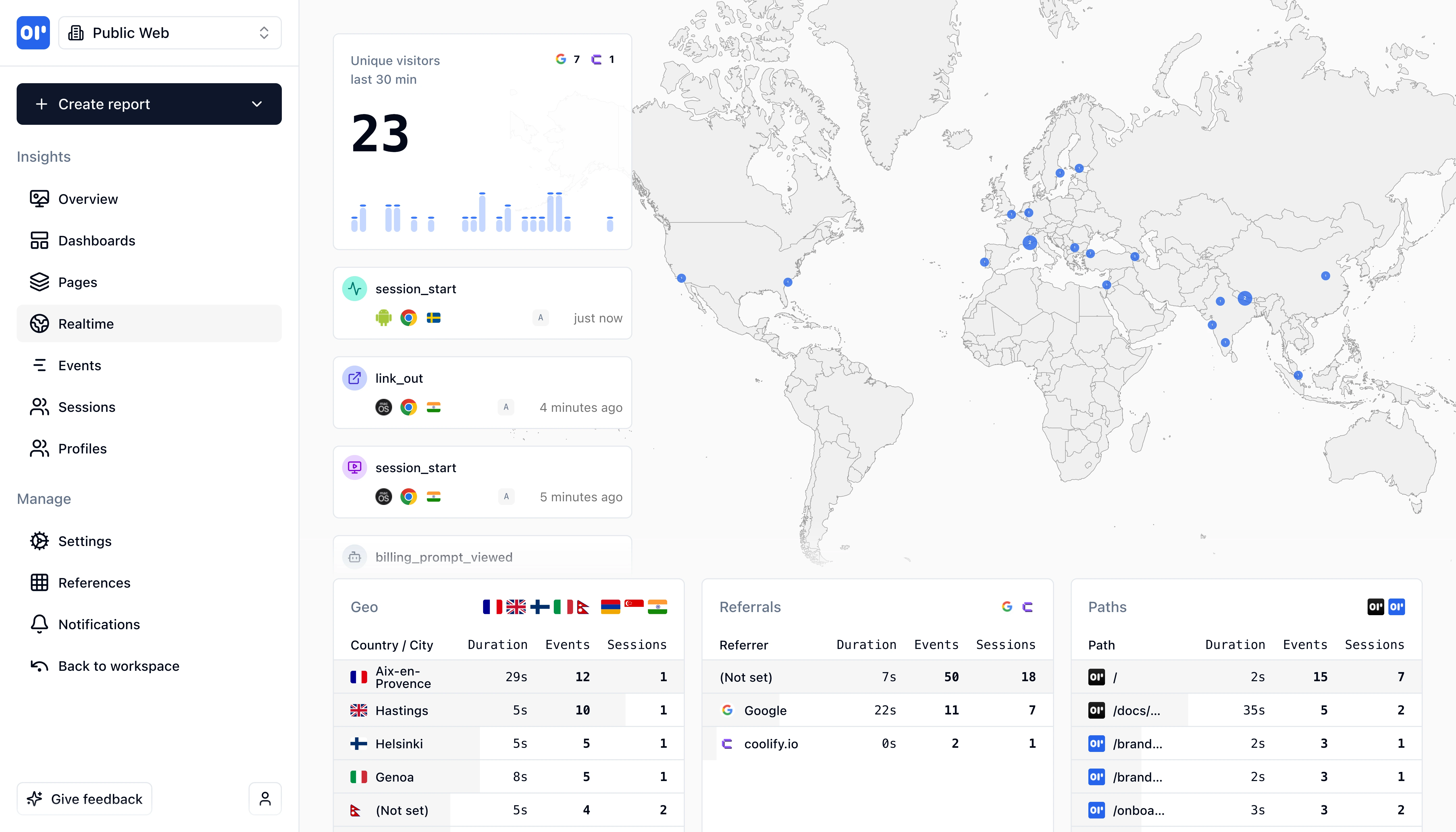
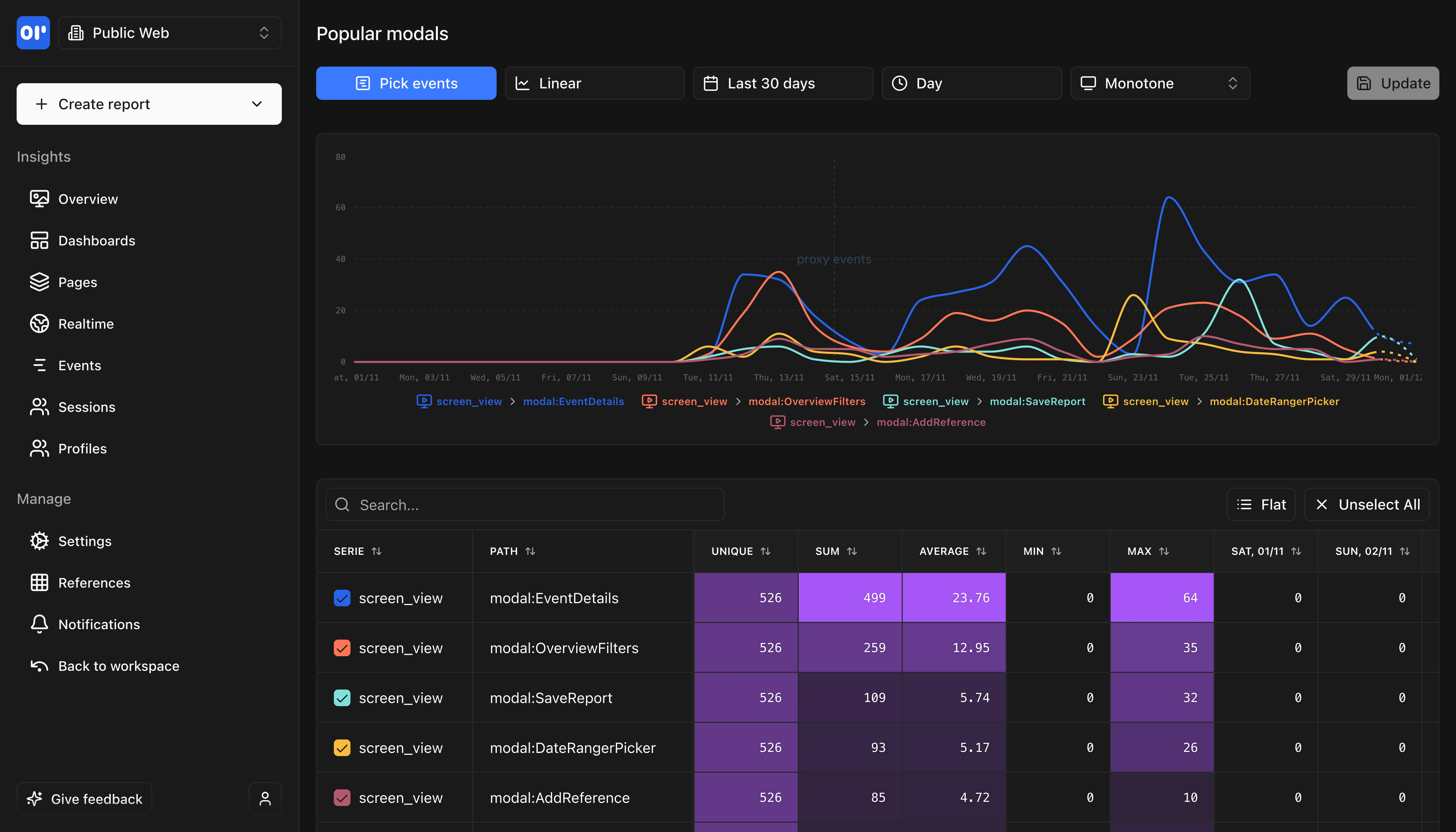
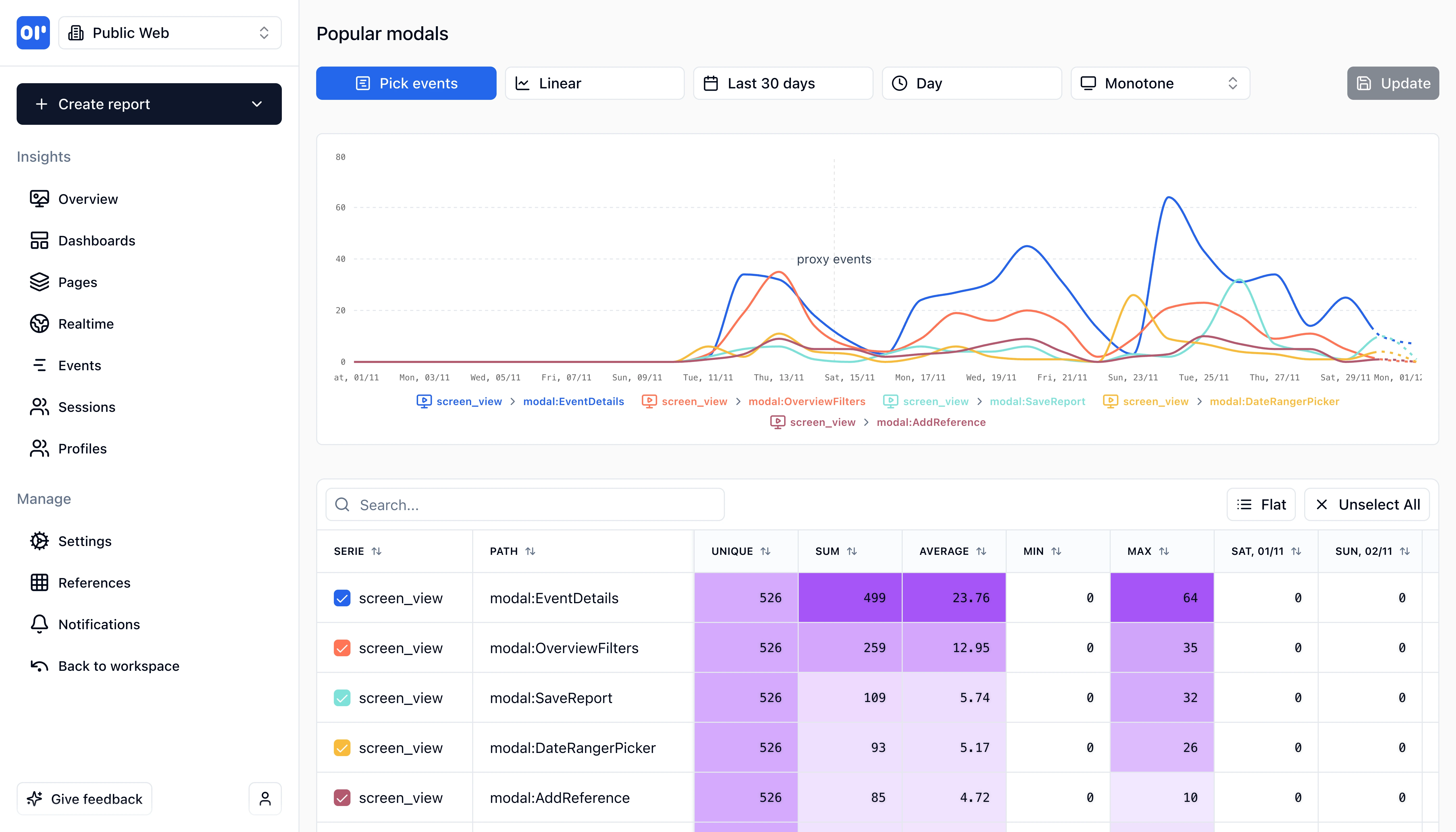
OpenPanel Real-time Analytics
Track events in real-time as they happen with instant updates and live monitoring.

Technical comparison

For developers evaluating analytics tools, here's the technical breakdown.

FeatureOpenPanelSimple Analytics
SDK Size2.3 KB (gzipped)
1.9 KB (light) / 3.7 KB (full) gzipped
Platforms
  • JavaScript/TypeScript
  • React
  • Next.js
  • Vue
  • React Native
  • iOS
  • Android
  • Node.js
  • Python
  • PHP
  • Go
  • Rust
  • JavaScript (browser)
  • WordPress
  • Webflow
  • Squarespace
  • WIX
  • Ghost
  • Cloudflare
  • Google Tag Manager
  • Looker Studio
  • Power BI
Open SourceYes - MIT License
No - Closed source (only tracking scripts MIT)Simple Analytics is closed-source (only their tracking scripts are MIT licensed on GitHub)
Self HostingDocker (simple single-container setup)
Not available (cloud-only service)
DatabaseClickHouse
Proprietary (hosted on Worldstream/Leaseweb servers in Netherlands)
Data RetentionUnlimited (self-hosted), configurable (cloud)
30 days (free), 3 years (Simple), 5 years (Team)
LanguageTypeScript/Node.js
Unknown (closed-source)

Pricing comparison

Simple Analytics has a free tier but with limited data retention. OpenPanel offers full retention on free tier.

OpenPanel

Event-based, transparent

Simple pricing with 10,000 free events per month.

All features included at every tier.

Full data retention even on free tier.

Free tier:Self-hosting (unlimited events)
Free trial:30 days

Simple Analytics

Datapoint-based with limited free tier

Free: Unlimited pageviews, 30-day retention, 5 sites, 1 user.

Simple ($15/month): 10 sites, 3-year retention.

Team ($40/month): 20 sites, 5-year retention, 2+ users, export API. 50% discount for nonprofits.

Free tier:Free forever - unlimited pageviews (fair use), 30-day retention

Migrating from Simple Analytics to OpenPanel

Both use lightweight scripts and simple event tracking, making migration straightforward.

Difficulty:easy
Estimated time:30 minutes to 2 hours
1

Install OpenPanel SDK

Add the OpenPanel SDK to your application. Both use lightweight scripts, so the transition is straightforward.

2

Map Events

Simple Analytics custom events translate directly to OpenPanel's op.track() calls.

3

Set Up User Identification (New)

Unlike Simple Analytics, OpenPanel can identify users. Add op.identify() calls to unlock retention, cohorts, and user profiles.

4

Configure Product Analytics (New)

Set up funnels, retention reports, and cohorts. These features aren't available in Simple Analytics.

5

Remove Simple Analytics Script

Once verified, remove the Simple Analytics tracking script. Both are cookie-free so no consent changes needed.

SDK Compatibility

Both use simple event tracking APIs.

Historical Data Import

Most teams start fresh with OpenPanel and run both tools in parallel briefly.

Where OpenPanel is a better fit than Simple Analytics

Choose OpenPanel when you need product analytics, self-hosting, or longer data retention on free tier.

SaaS Products Needing User Analytics

Simple Analytics shows aggregate website traffic. If you need to understand individual user journeys, retention, and behavior within your product, OpenPanel adds these capabilities while staying privacy-friendly.

Teams Who Want Self-Hosting

Simple Analytics is cloud-only with no self-hosting option. If data sovereignty or compliance requirements mean you need to host your own analytics, OpenPanel provides full self-hosting in a single Docker container.

Projects Needing Longer Data Retention

Simple Analytics' free tier only keeps 30 days of data. If you need historical data for trend analysis on a budget, OpenPanel's free tier includes full data retention.

Mobile App Analytics

Simple Analytics is designed for websites and doesn't provide native mobile SDKs. OpenPanel offers native iOS, Android, and React Native SDKs with full product analytics capabilities.

Teams Needing Funnel Analysis

Simple Analytics has basic goals but doesn't offer multi-step funnel analysis. If understanding conversion paths matters, OpenPanel provides detailed funnel visualization.

OpenPanel Reports
Generate detailed reports and insights with customizable metrics and visualizations.
OpenPanel User Profiles
Deep dive into individual user profiles with complete event history and behavior tracking.

Frequently asked questions

Common questions about switching from Simple Analytics to OpenPanel.

Related resources

Explore more comparisons and guides to help you choose the right analytics tool

Ready to make the switch?

Test OpenPanel free for 30 days, you'll not be charged anything unless you upgrade to a paid plan.

Start with OpenPanel