Hero

The Open Source Google Analytics Alternative

OpenPanel is an open-source, privacy-first alternative to Google Analytics that combines web analytics with product analytics in one tool. Cookie-free tracking, EU data hosting, and a 2.3 KB SDK that won't slow down your site.

  • Open source (AGPL-3.0)
  • Cookie-free tracking
  • EU-only data hosting
  • Self-host for free
  • 2.3 KB SDK
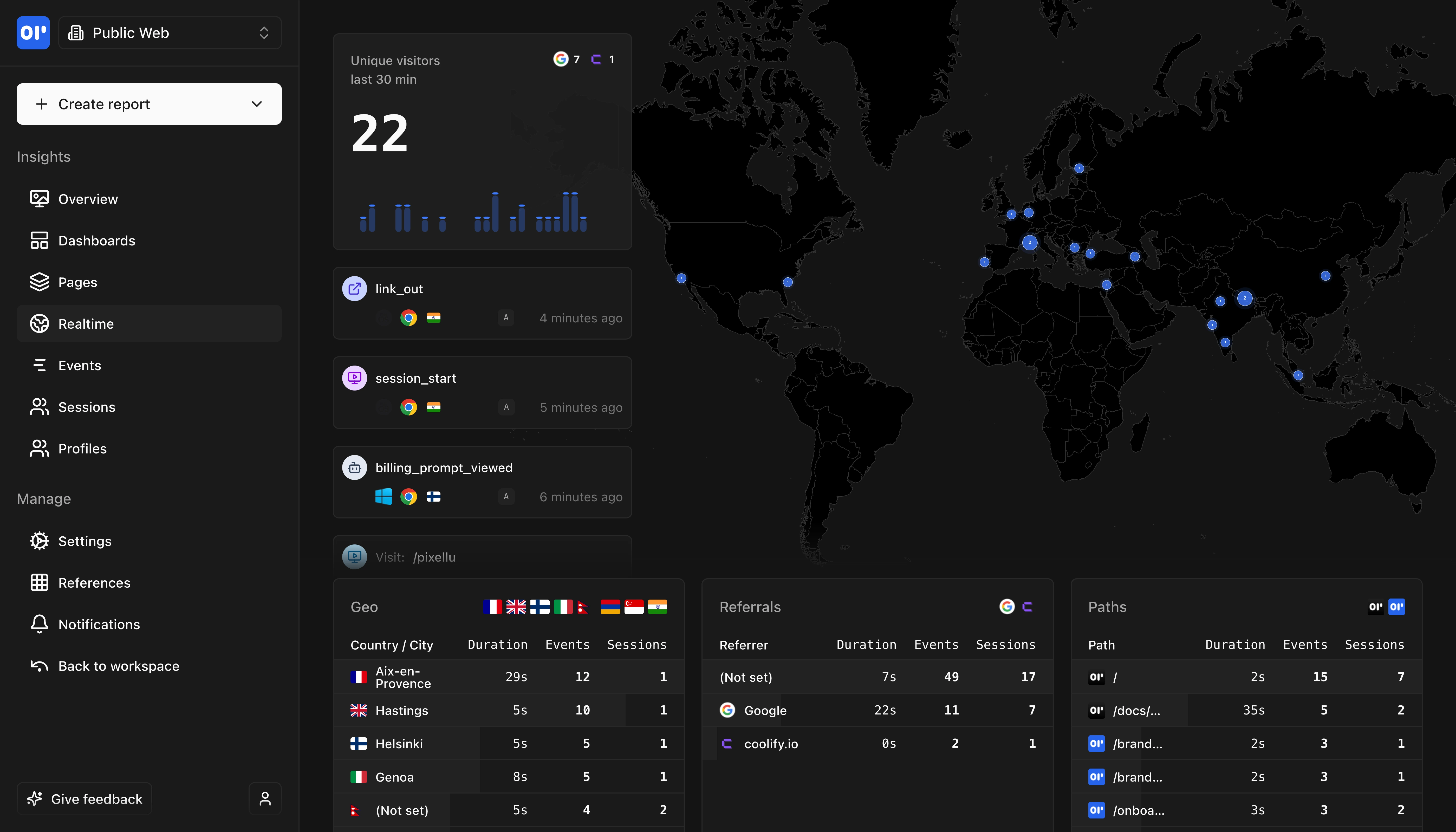
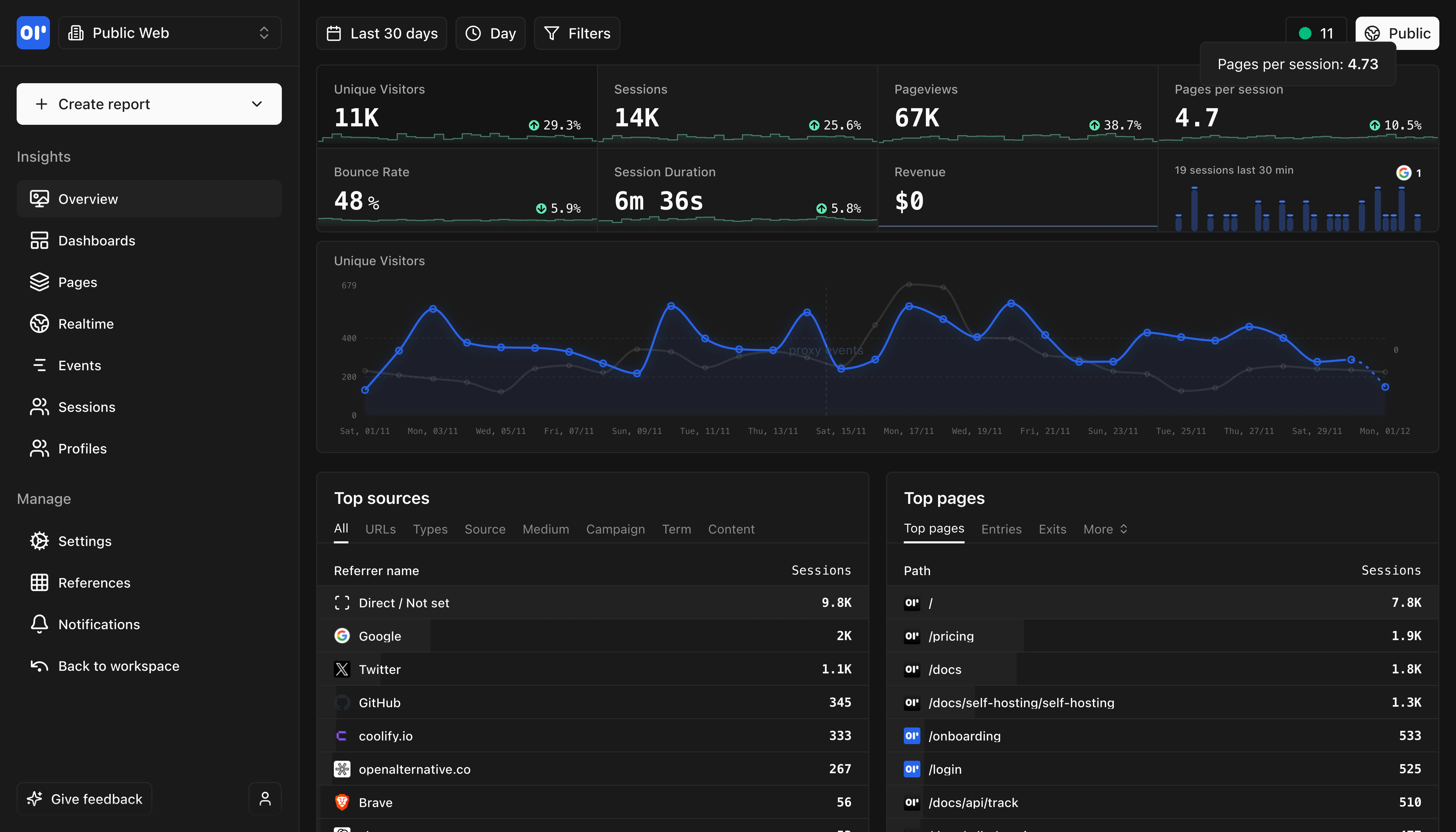
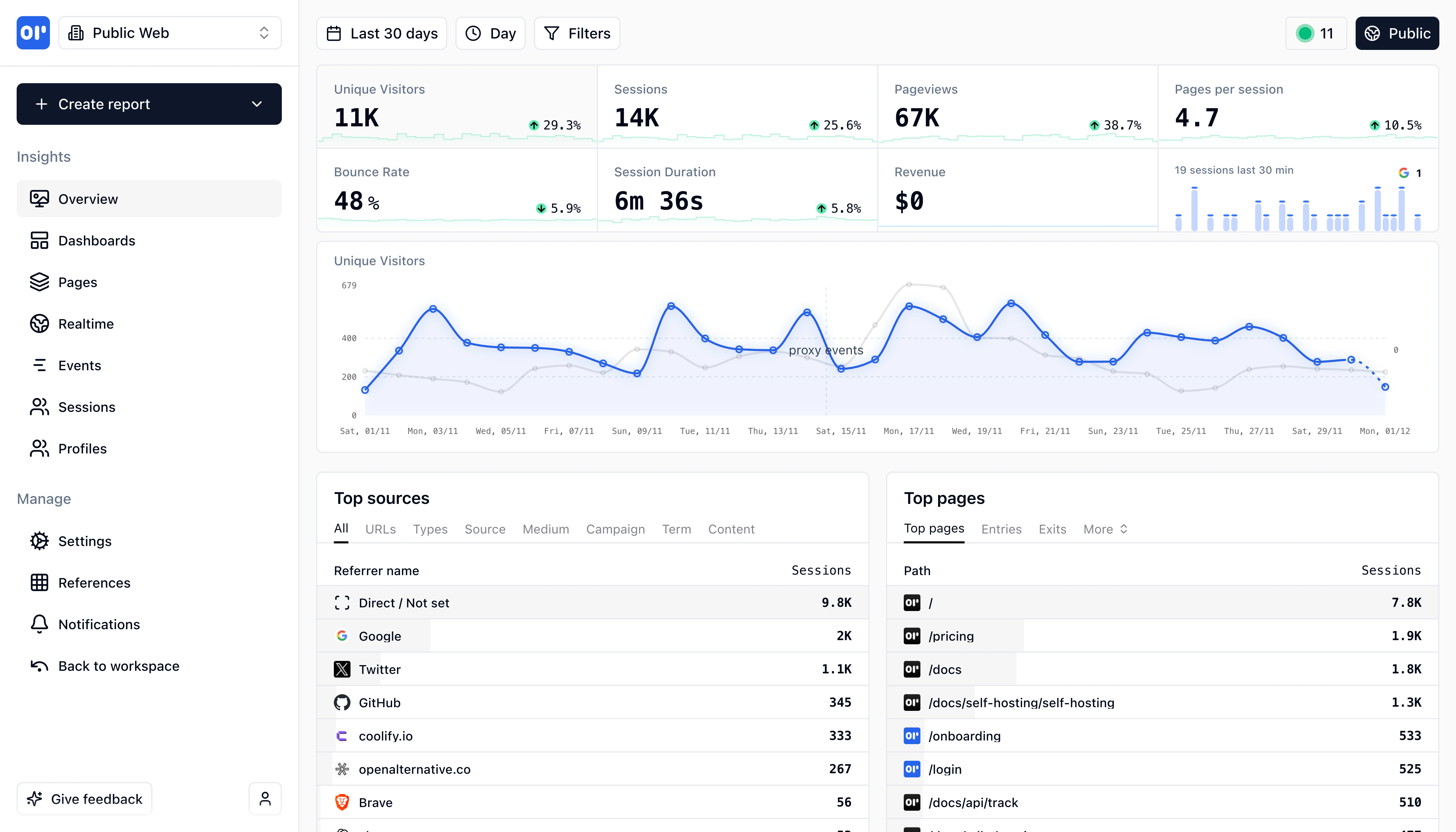
OpenPanel Dashboard Overview
This is our web analytics dashboard, its an out-of-the-box experience so you can start understanding your traffic and engagement right away.

Why teams are switching from Google Analytics to OpenPanel

Google Analytics has been the default analytics tool since 2005. But the forced migration to GA4 fundamentally changed the product — the new event-based model has a steep learning curve, the interface is confusing for most users, and data retention dropped to just 14 months on the free tier. Meanwhile, privacy regulations like GDPR and the ePrivacy Directive mean GA4 requires cookie consent banners that hurt conversion rates and annoy visitors.

OpenPanel is built for the post-GA4 world. It's fully open source under the AGPL-3.0 license, which means you can inspect, modify, and self-host the entire codebase. Unlike Google Analytics, OpenPanel tracks visitors without cookies — no consent banners needed, and full GDPR compliance out of the box. Your data stays on EU servers in Sweden, or you can self-host on your own infrastructure for complete data sovereignty.

Where GA4 splits functionality between free and enterprise tiers ($50,000+/year for GA4 360), OpenPanel gives you everything in one package: real-time dashboards, funnels, retention analysis, cohorts, user profiles, custom events, and revenue tracking. The SDK is just 2.3 KB gzipped — over 13x smaller than Google's gtag.js — which directly improves your Core Web Vitals and page load times.

OpenPanel also goes beyond what GA4 offers for free: built-in A/B testing, unlimited data retention (when self-hosted), no data sampling, and direct SQL access to your analytics data via ClickHouse. If you don't rely heavily on Google Ads attribution, OpenPanel gives you better analytics with better privacy at a fraction of the complexity.
OpenPanel vs Google Analytics: Which is right for you?

Google Analytics and OpenPanel take fundamentally different approaches. GA4 prioritizes Google Ads integration and marketing attribution. OpenPanel prioritizes privacy, simplicity, and data ownership.

Choose OpenPanel if...

1

Privacy-conscious teams who want analytics without cookies or consent banners

2

EU businesses that need GDPR-compliant analytics with European data hosting

3

Developers who want to self-host and own their analytics data completely

Choose Google Analytics if...

1

Teams heavily invested in Google Ads who need native conversion tracking and attribution

2

Large enterprises with dedicated analytics teams running complex multi-touch attribution models

3

Organizations using the full Google Marketing Platform (Search Console, Ads, Tag Manager)

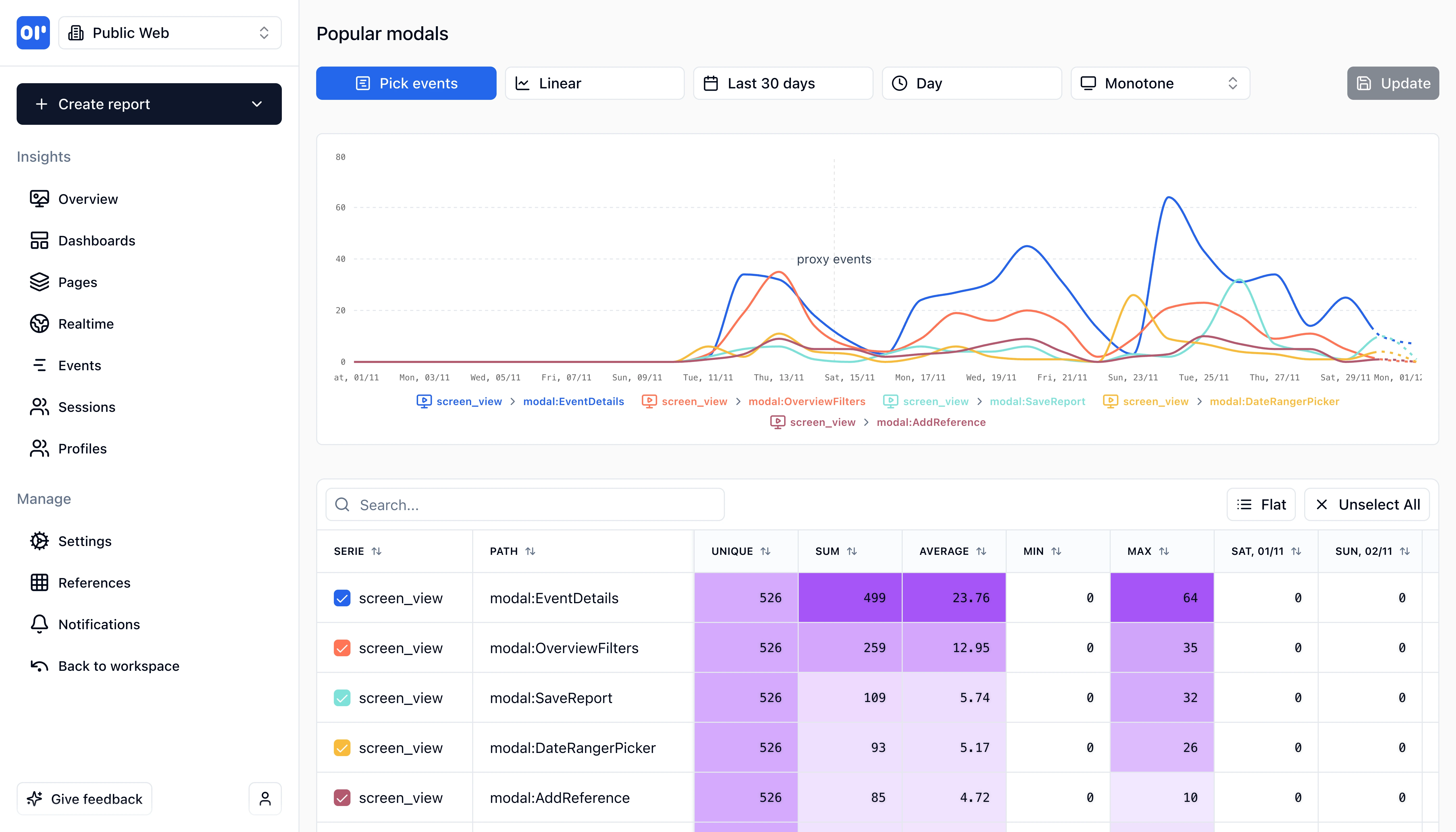
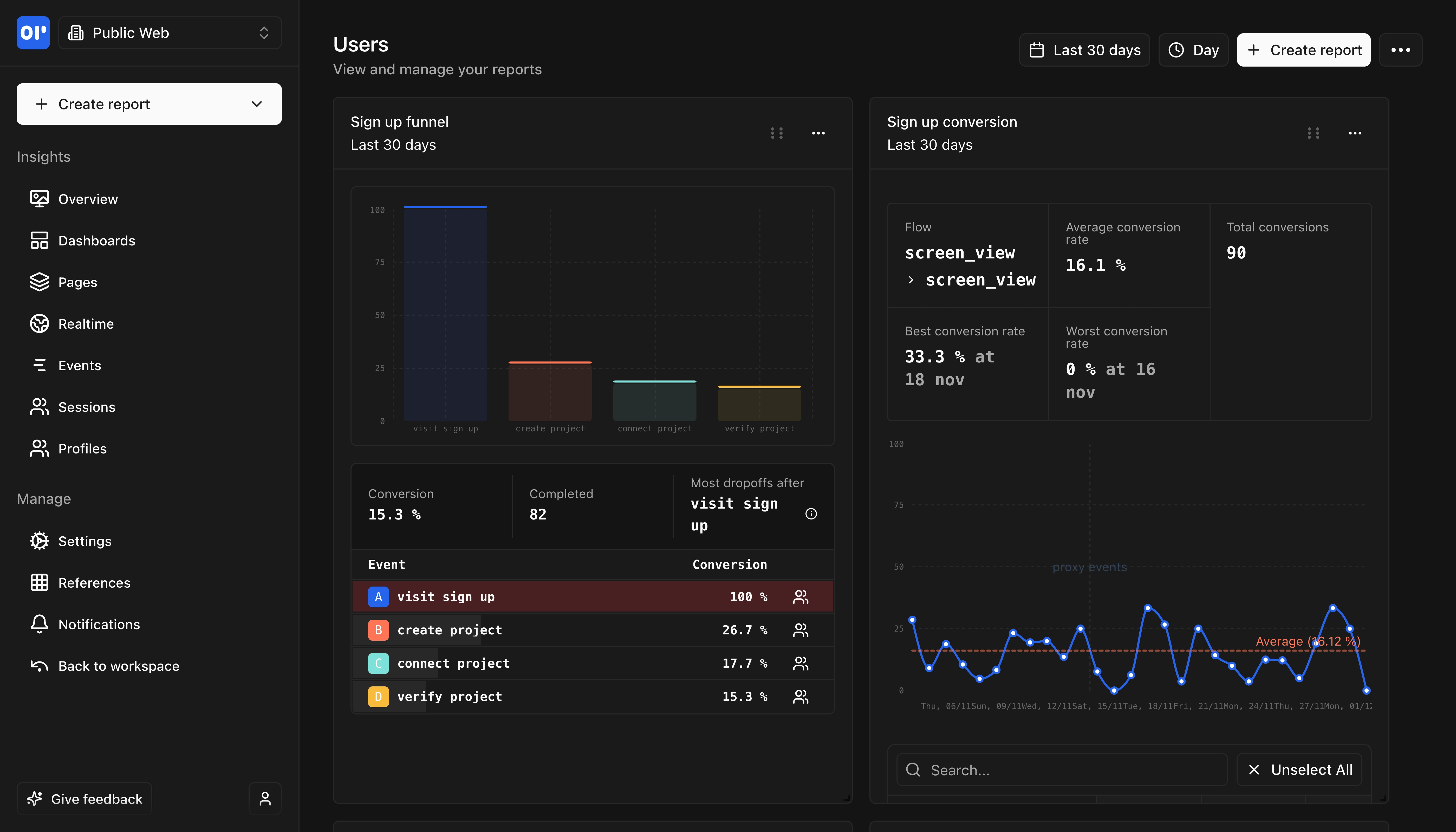
OpenPanel Dashboard
Comprehensive analytics dashboard with real-time insights and customizable views.

Key differences at a glance

Here's how OpenPanel and Google Analytics compare on the factors that matter most when choosing an analytics platform.

FeatureOpenPanelGoogle Analytics
Open source
Yes — AGPL-3.0 license, full source code on GitHub
No — proprietary, closed-source Google product
Price
From $2.50/month cloud, or free self-hosted with unlimited events
Free tier with limits, GA4 360 starts at $50,000/year
Cookies
Cookie-free by default — no consent banner needed
Requires first-party cookies and a consent banner under GDPR
Data hosting
EU-only servers (Sweden) or self-host anywhere
Processed on Google's US servers
SDK size
2.3 KB gzipped — minimal impact on page speed
30+ KB gzipped — impacts Core Web Vitals
Data retention
Unlimited (self-hosted) or plan-based (cloud)
2–14 months free tier, up to 50 months on GA4 360
Data sampling
Never — every event counted accurately
Yes — free tier samples data at high traffic volumes
Self-hosting
Yes — single Docker container, simple setup
Not available
Page views & visitors
Traffic sources & referrals
Geographic data
Device & browser breakdown
UTM campaign tracking
Real-time dashboard
OpenPanel shows live events; GA4 real-time is limited to last 30 minutes
Outgoing link tracking
OpenPanel tracks automatically with trackOutgoingLinks option
Custom event tracking
OpenPanel uses a simpler track() API vs GA4's gtag event model
Funnel analysis
GA4 funnels require Explorations; OpenPanel has built-in funnel builder
Retention analysis
User profiles & identification
OpenPanel has rich user profiles with session history; GA4 uses User Properties
Cohort analysis
Revenue & e-commerce tracking
Conversion tracking
A/B testing
Google Optimize was shut down September 2023 — no built-in replacement
Custom dashboards
GA4 uses complex Explorations; OpenPanel has drag-and-drop dashboard builder
AI insights
Attribution modeling
GA4 has data-driven attribution — its strongest advantage for advertisers
Alerts & notifications
OpenPanel supports webhooks, Slack, Discord, and email alerts
SQL access to raw data
OpenPanel gives direct ClickHouse SQL access; GA4 requires BigQuery export ($50k+ tier)
Cookie-free tracking
GA4 requires first-party cookies for session and user tracking
No consent banner needed
GA4 requires consent under GDPR and ePrivacy Directive
EU data residency
OpenPanel hosted in Sweden; GA4 processes data on US servers
IP anonymization
Both anonymize IPs; OpenPanel uses daily rotating salts for extra privacy
Self-hosting option
Complete data sovereignty when self-hosted on your infrastructure
Open source code
OpenPanel is AGPL-3.0; you can audit every line of code
DPA available
on request
REST API
Data export
GA4 requires 360 ($50k+) for full BigQuery export; OpenPanel exports freely
Google Ads integration
GA4's strongest feature — native Google Ads conversion tracking
Google Search Console
Native GA4 integration for search data
Webhooks
Send real-time event data to any endpoint
WordPress plugin
OpenPanel has an official WordPress plugin for easy setup

Feature-by-feature comparison

OpenPanel combines web analytics with product analytics. Google Analytics focuses on marketing attribution and traffic analysis within the Google ecosystem.

Page views & visitors

Traffic sources & referrals

Geographic data

Device & browser breakdown

UTM campaign tracking

Real-time dashboard

Outgoing link tracking

Custom event tracking

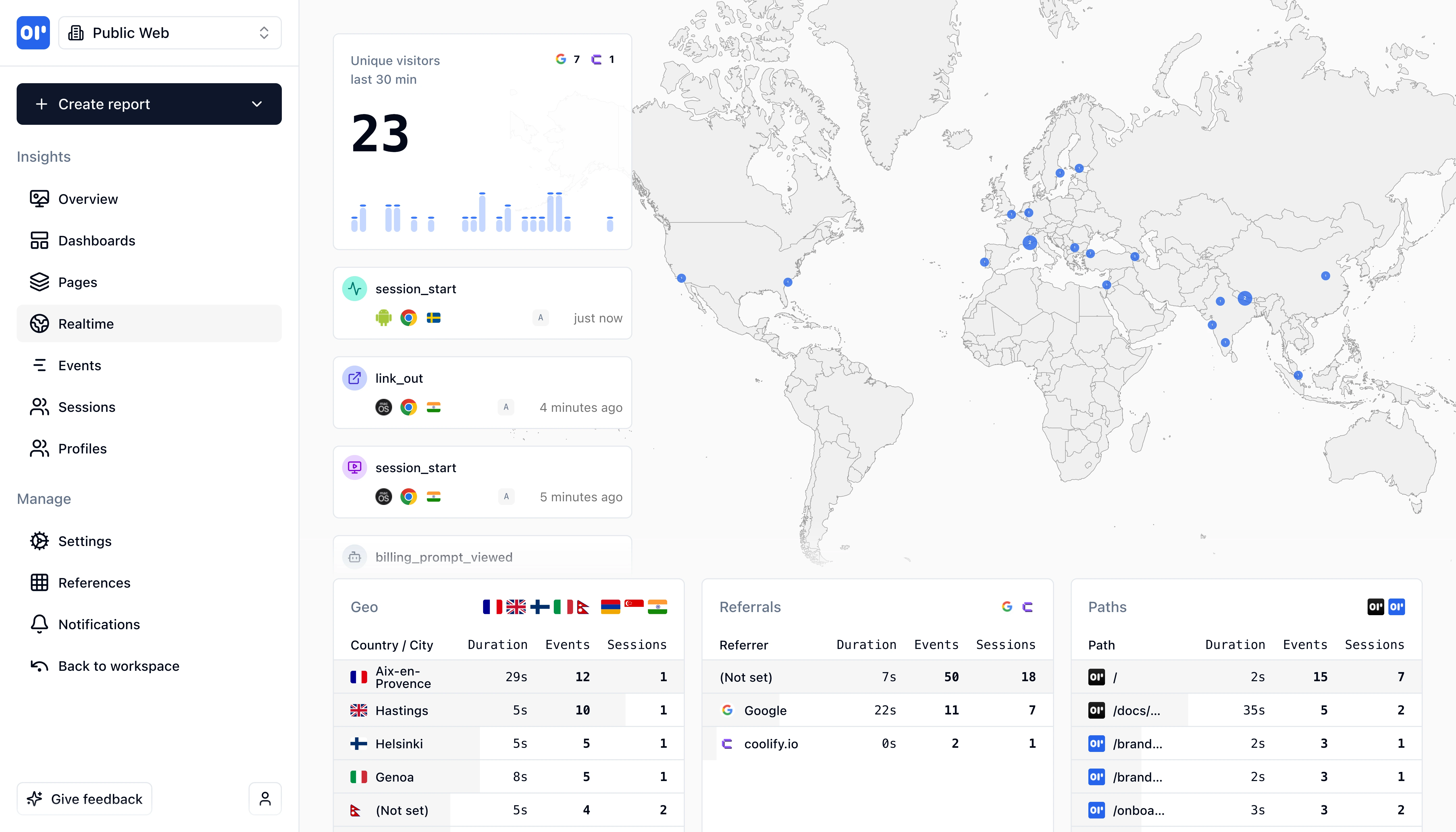
OpenPanel Real-time Analytics
Track events in real-time as they happen with instant updates and live monitoring.

Technical comparison for developers

For developers evaluating analytics tools, the technical implementation differences between OpenPanel and Google Analytics are significant.

FeatureOpenPanelGoogle Analytics
SDK size (JavaScript)~2.3 KB gzipped
~30+ KB gzipped (gtag.js + analytics.js)OpenPanel's SDK is 13x smaller — a direct improvement to Core Web Vitals and page load speed
Supported SDKs
  • JavaScript/Script tag
  • React
  • Next.js
  • Vue
  • Astro
  • Remix
  • Node.js
  • Express
  • Python
  • Swift (iOS)
  • Kotlin (Android)
  • React Native
  • JavaScript (gtag.js)
  • iOS (via Firebase SDK)
  • Android (via Firebase SDK)
  • Flutter
  • Unity
  • AMP
  • Google Tag Manager
OpenPanel has native SDKs for modern frameworks; GA4 mobile tracking requires the heavy Firebase SDK
Open sourceYes — AGPL-3.0, full source code on GitHub
No — proprietary Google productOpenPanel can be audited, forked, and self-hosted
Self-hosted deploymentSingle Docker container with setup script
Not availableOpenPanel self-hosting takes ~15 minutes with our setup script
Database & data accessClickHouse (analytics) + PostgreSQL (config) — direct SQL access
Proprietary Google infrastructure — no direct accessOpenPanel gives you direct SQL access to your raw event data
Data retentionUnlimited when self-hosted, plan-based on cloud
2–14 months (free tier), up to 50 months (GA4 360 at $50k+/year)GA4's strict retention limits are a common reason teams switch
Data samplingNever — 100% accurate data
Yes — GA4 free tier samples at high traffic volumesData sampling means your reports may not reflect actual numbers

Pricing comparison

Google Analytics is 'free' in exchange for your visitors' data. OpenPanel offers transparent pricing with a free self-hosted option.

OpenPanel

Event-based, transparent pricing

Cloud hosting starts at $2.50/month for 5,000 events. 100,000 events costs $20/month.

Self-host for free with unlimited events, no restrictions.

No limits on users, dashboards, projects, or data retention on any plan.

Free tier:Self-hosting (unlimited events)
Free trial:30 days

Google Analytics

Freemium with enterprise tier

GA4 free tier has significant limitations: data sampling at high volumes, 14-month maximum data retention, limited Explorations, and no BigQuery export.

GA4 360 (enterprise) starts at $50,000/year for higher limits, unsampled data, and support.

The 'free' tier is subsidized by Google's advertising business — your visitors' data is the product.

Free tier:Yes (with major limitations and privacy tradeoffs)

How to migrate from Google Analytics to OpenPanel

Switching from Google Analytics to OpenPanel takes about 45 minutes for most websites. OpenPanel uses a similar event-based model to GA4, making the migration straightforward.

Difficulty:easy
Estimated time:30-60 minutes
1

Add the OpenPanel script alongside GA4

Install the lightweight 2.3 KB OpenPanel script on your site. Run it in parallel with GA4 so you can compare data. It's a single script tag or npm package.

2

Map your GA4 events to OpenPanel

OpenPanel's track() API closely mirrors GA4's event structure. Most events translate directly: gtag('event', 'purchase', {...}) becomes op.track('purchase', {...}).

3

Set up user identification

Replace GA4's set user_properties with OpenPanel's identify() method for richer user profiles with session history and properties.

4

Configure dashboards and funnels

Set up your reports in OpenPanel's visual dashboard builder. It's simpler than GA4's Explorations — most teams get set up in minutes.

5

Verify data and remove GA4

After 1-2 weeks of parallel tracking, compare the data. Once verified, remove the GA4 script. You can also remove your cookie consent banner if it was only needed for analytics.

SDK Compatibility

OpenPanel's track() API closely mirrors GA4's gtag event model. Custom events, e-commerce events, and page views all translate with minimal changes.

Historical Data Import

Google Analytics doesn't provide easy data export. Historical data stays accessible in GA4 for your configured retention period. Most teams start fresh with OpenPanel for cleaner, privacy-compliant data going forward.

When to choose OpenPanel over Google Analytics

OpenPanel is the better choice for teams that prioritize privacy, simplicity, and data ownership over the Google advertising ecosystem.

GDPR-compliant analytics without consent banners

Cookie-free tracking and EU-only data hosting mean full GDPR and ePrivacy compliance without annoying consent banners that hurt your conversion rates.

Open source transparency and control

Every line of OpenPanel's code is on GitHub under AGPL-3.0. Audit the tracking code, verify privacy claims, and contribute improvements. No black-box data processing.

Self-hosted for complete data sovereignty

Deploy OpenPanel on your own servers with a single Docker container. Your analytics data never leaves your infrastructure — critical for healthcare, finance, and government.

Faster websites with a tiny SDK

At 2.3 KB, OpenPanel's SDK is 13x smaller than Google's gtag.js. Less JavaScript means faster page loads, better Core Web Vitals, and improved SEO rankings.

Web analytics + product analytics in one tool

Get Plausible-style web analytics and Mixpanel-style product analytics (funnels, retention, cohorts, user profiles) in a single tool instead of paying for two.

Teams frustrated with GA4's complexity

If your team struggles with GA4's confusing interface, complex event model, and limited Explorations — OpenPanel gives you the insights you need without the steep learning curve.

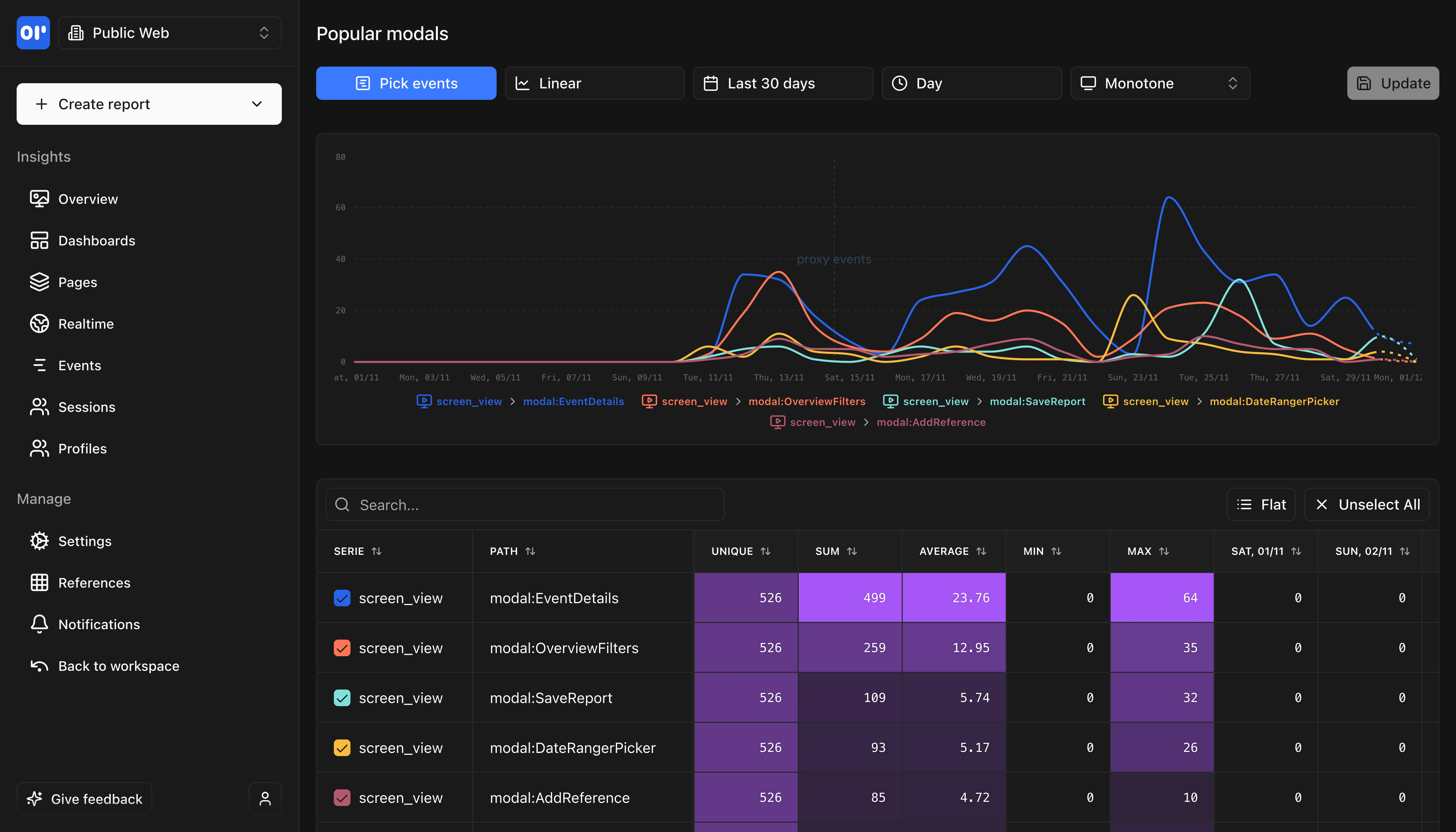
OpenPanel Reports
Generate detailed reports and insights with customizable metrics and visualizations.

Frequently asked questions

Common questions about switching from Google Analytics to an open-source alternative.

Related resources

Explore more comparisons and guides to help you choose the right analytics tool.

Ready to make the switch?

Test OpenPanel free for 30 days, you'll not be charged anything unless you upgrade to a paid plan.

Try OpenPanel Free