Hero

Countly Alternative

Want Countly's product analytics without the complexity? OpenPanel offers a simpler, more affordable approach to user analytics with self-hosting, mobile SDKs, and modern product analytics - all with transparent pricing.

  • Open-source
  • Simple Pricing
  • Lightweight
  • MIT License
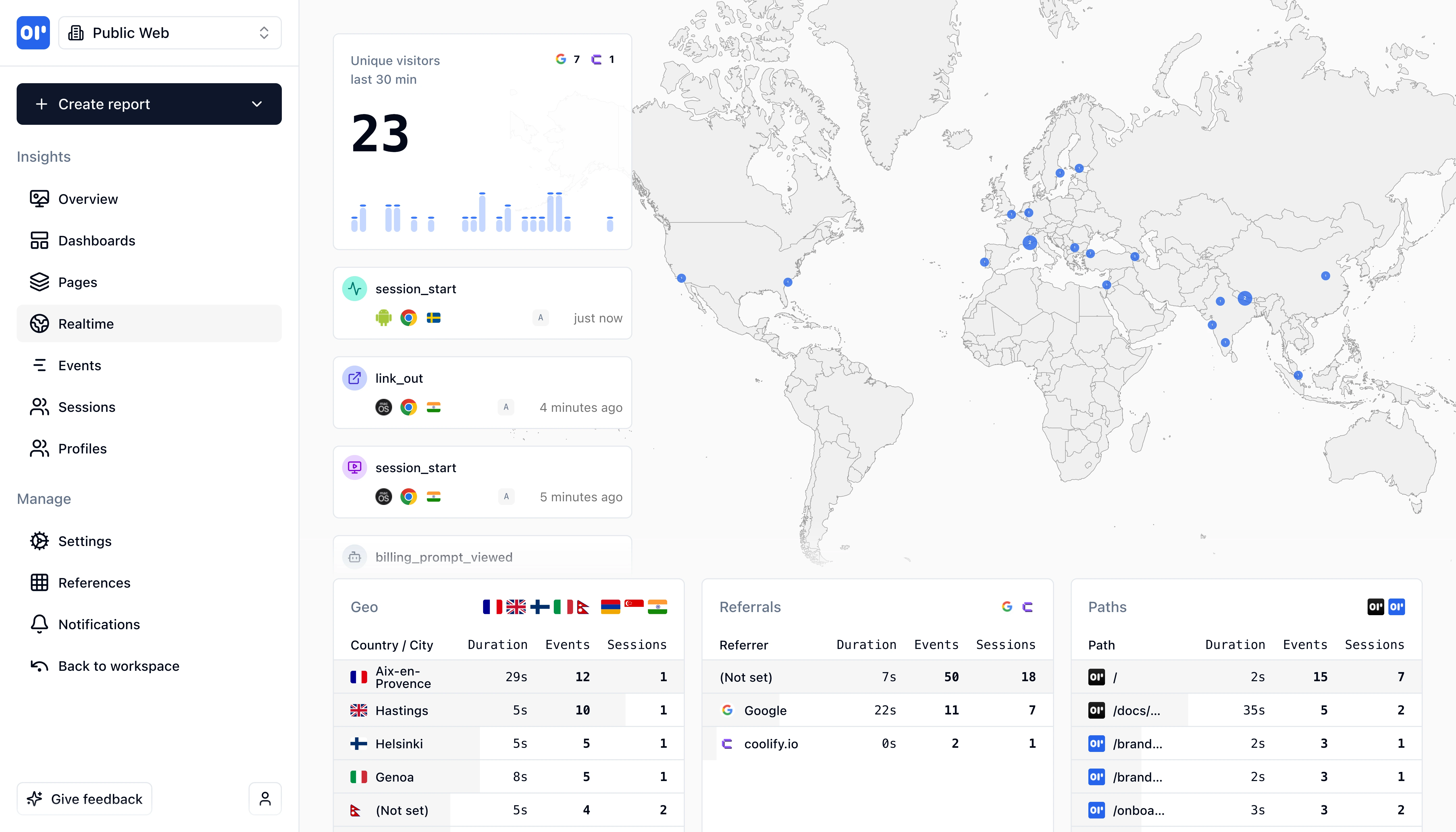
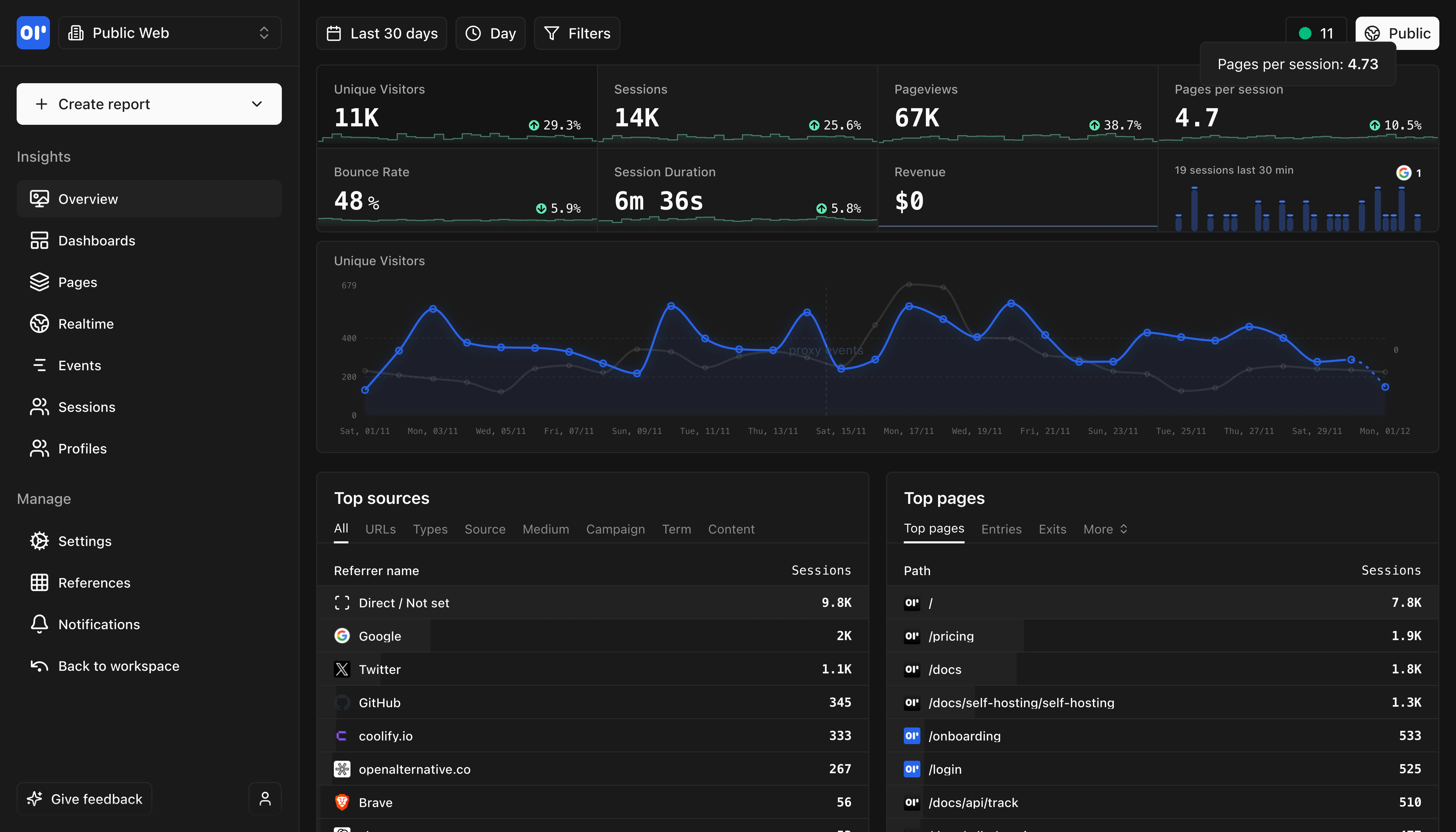
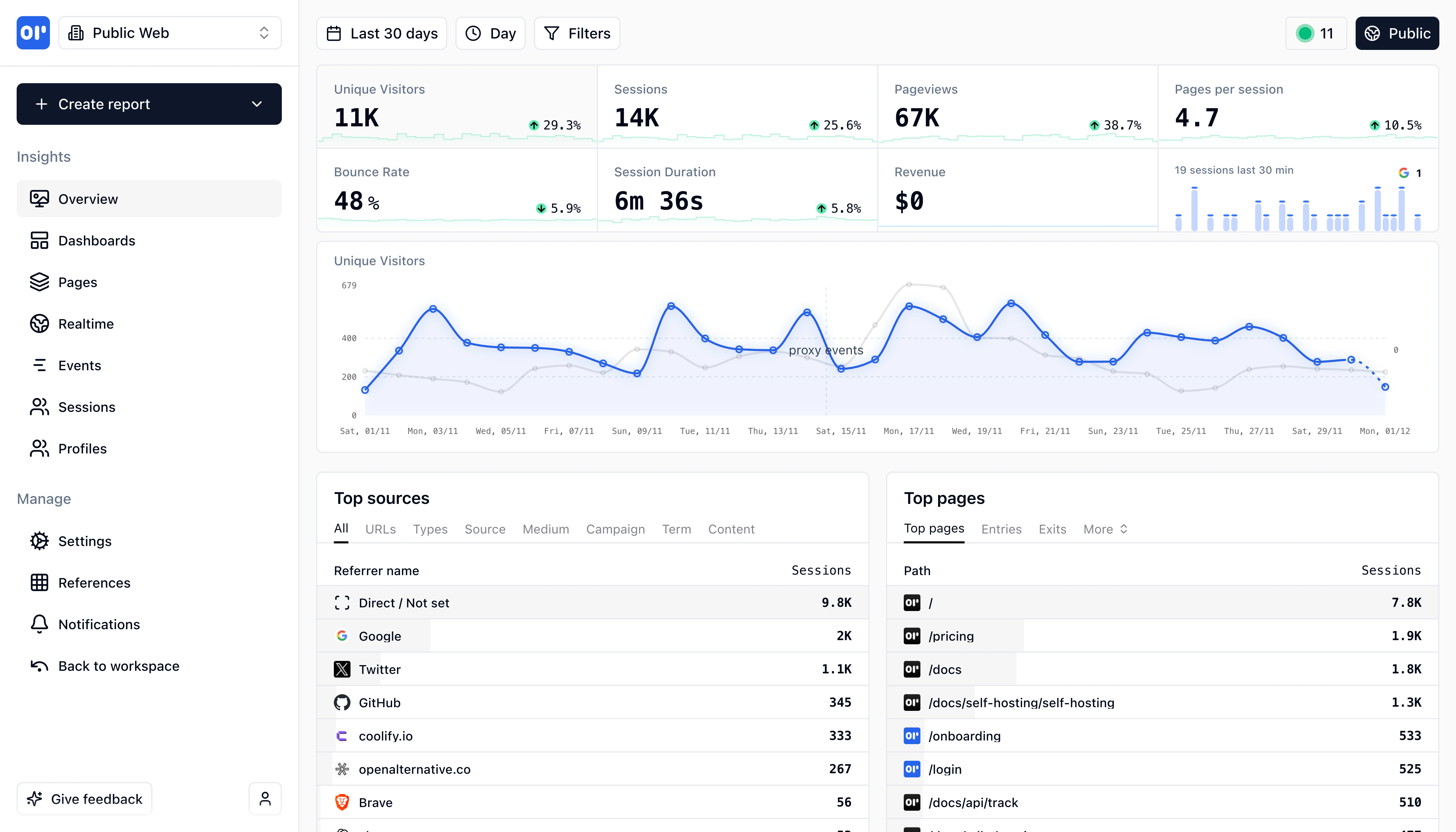
OpenPanel Dashboard Overview
This is our web analytics dashboard, its an out-of-the-box experience so you can start understanding your traffic and engagement right away.

OpenPanel vs Countly: Which is right for you?

Both offer product analytics with self-hosting. Countly is an all-in-one platform with many features. OpenPanel focuses on analytics with simpler pricing.

Choose OpenPanel if...

1

Teams wanting simple analytics without push notifications or crash reporting

2

Startups needing affordable, predictable event-based pricing

3

Developers wanting true open source (MIT) without commercial restrictions

Choose Countly if...

1

Mobile apps needing push notifications and crash reporting in one platform

2

Teams requiring remote configuration and in-app messaging

3

Enterprise customers needing ISO 27001 and SOC2 certifications

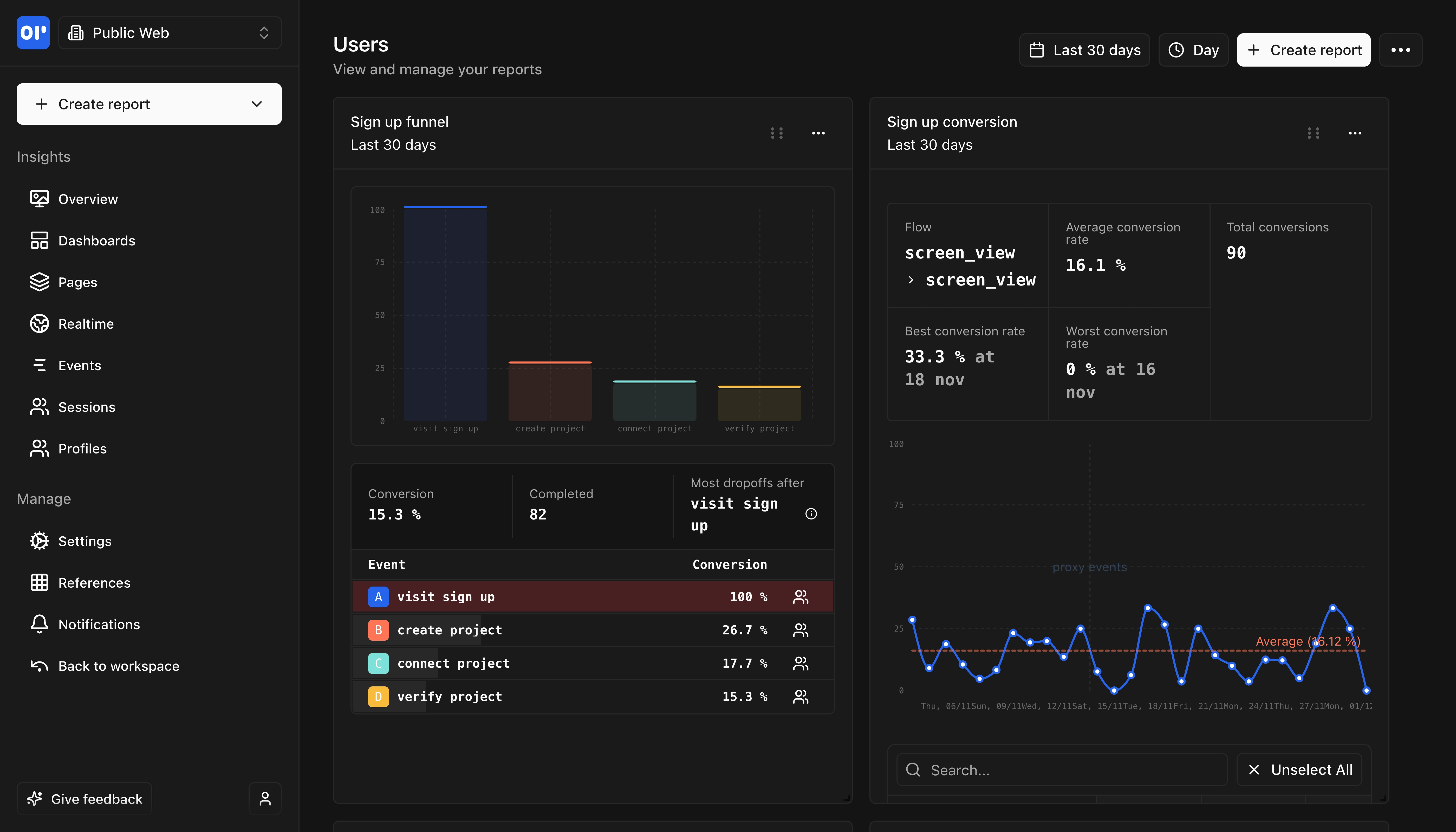
OpenPanel Dashboard
Comprehensive analytics dashboard with real-time insights and customizable views.

Key differences at a glance

Here's how OpenPanel and Countly compare on key factors.

FeatureOpenPanelCountly
Pricing Model
Event-based (10K free/month)
MAU-based (starts at $80/month for 2K MAUs)
Open Source License
MIT License (fully permissive)
AGPL-3.0 (copyleft, non-commercial use only)
Setup Complexity
Simple Docker deployment
Complex (MongoDB, Node.js, Nginx)
Push Notifications
Not built-in
Built-in rich push notifications
Crash Analytics
Not built-in
Full crash reporting with symbolication
Page Views & Sessions
Custom Event Tracking
User Identification
Both support user profiles and identification
Geographic Data
Both offer country and city-level data
Device & Platform Tracking
Real-Time Dashboard
Custom Dashboards
Funnel Analysis
Countly calls this 'Funnels' plugin
Retention Analysis
Cohort Analysis
Countly has advanced behavioral cohorts
User Profiles
User Flows/Journeys
Countly has 'Flows' feature for journey visualization
A/B Testing
Countly A/B testing tied to Remote Config
Revenue Analytics
Push Notifications
Countly has rich, interactive push for iOS/Android
In-App Messaging
Surveys & NPS
Countly includes surveys, ratings, and NPS
Remote Configuration
Countly can change app behavior remotely
Automated Workflows
Countly has hooks and automated push
Crash Reporting
Countly has full crash analytics with symbolication
Performance Monitoring (APM)
Countly monitors network and device performance
Error Tracking
Self-Hosting Option
Both offer self-hosted deployment
GDPR Compliant
Consent Management
Countly has a 'Compliance Hub' feature
Data Export
ISO 27001 Certified
SOC2 Certified
JavaScript/Web SDK
iOS SDK
Android SDK
React Native SDK
Flutter SDK
Unity SDK
Countly supports game development with Unity
Desktop SDKs (Windows/Mac)
Countly has C++ and Windows SDKs
Node.js SDK
REST API

Feature comparison

Countly is an all-in-one platform. OpenPanel focuses purely on analytics.

Page Views & Sessions

Custom Event Tracking

User Identification

Geographic Data

Device & Platform Tracking

Real-Time Dashboard

Custom Dashboards

Funnel Analysis

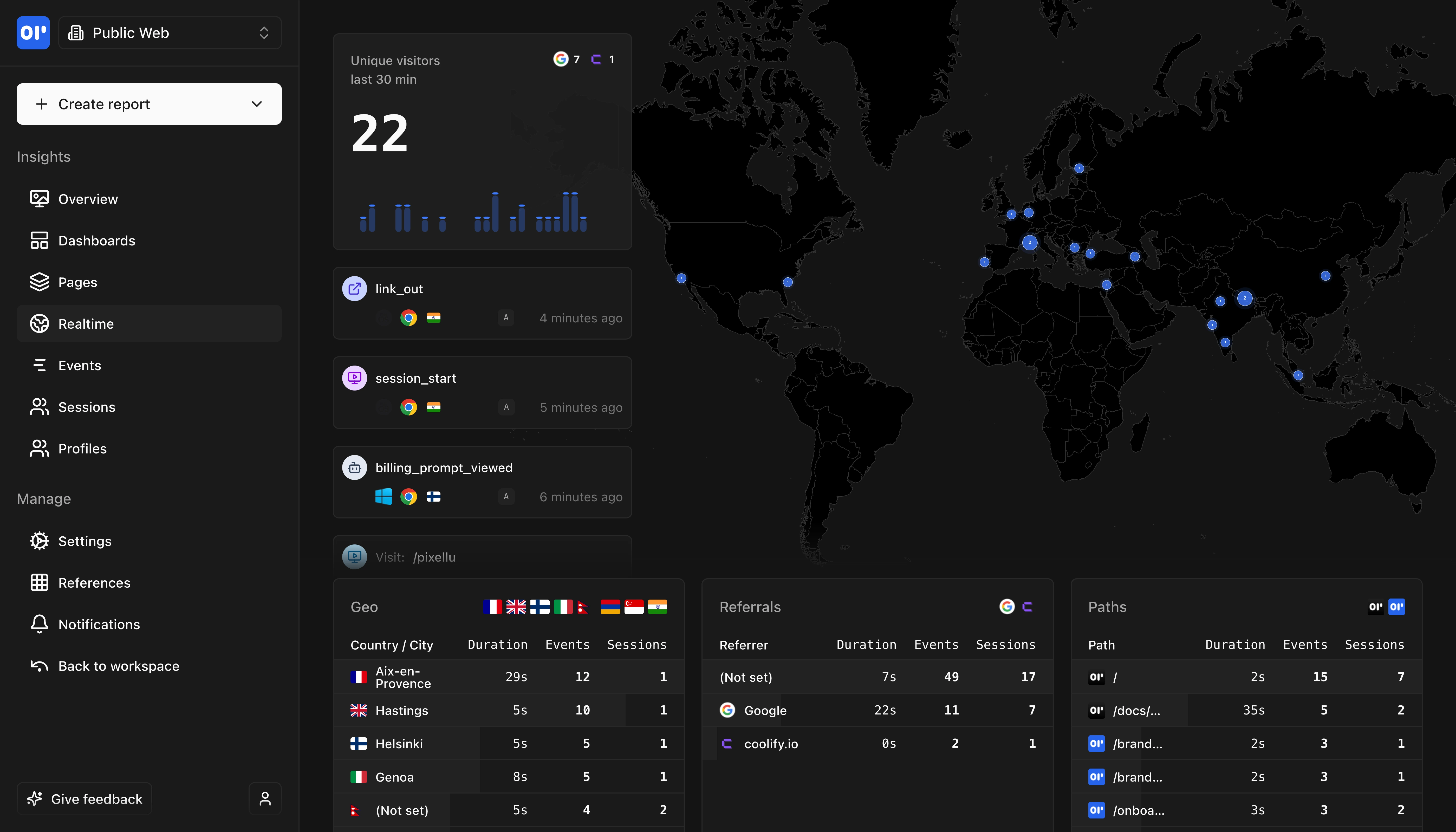
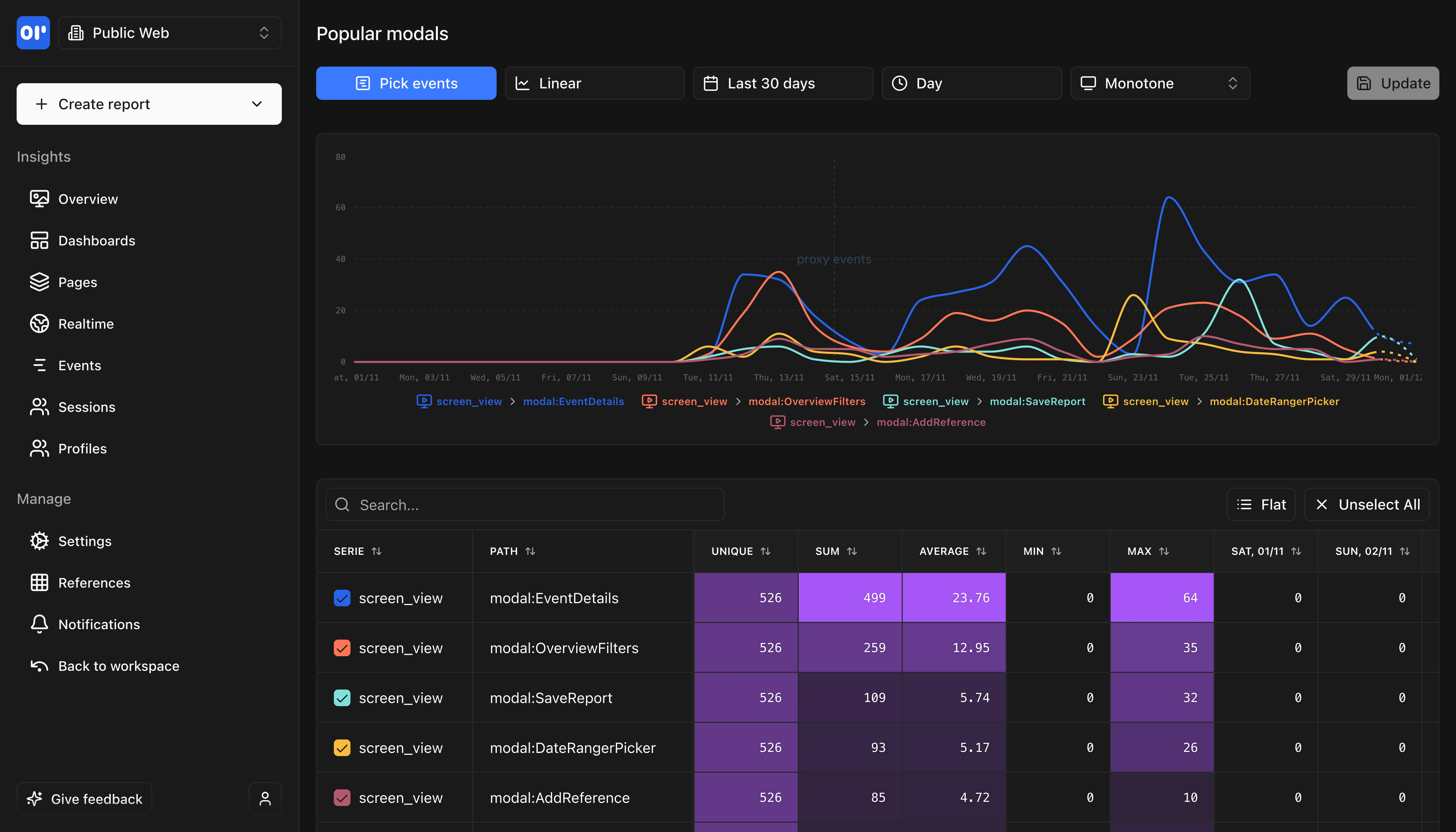
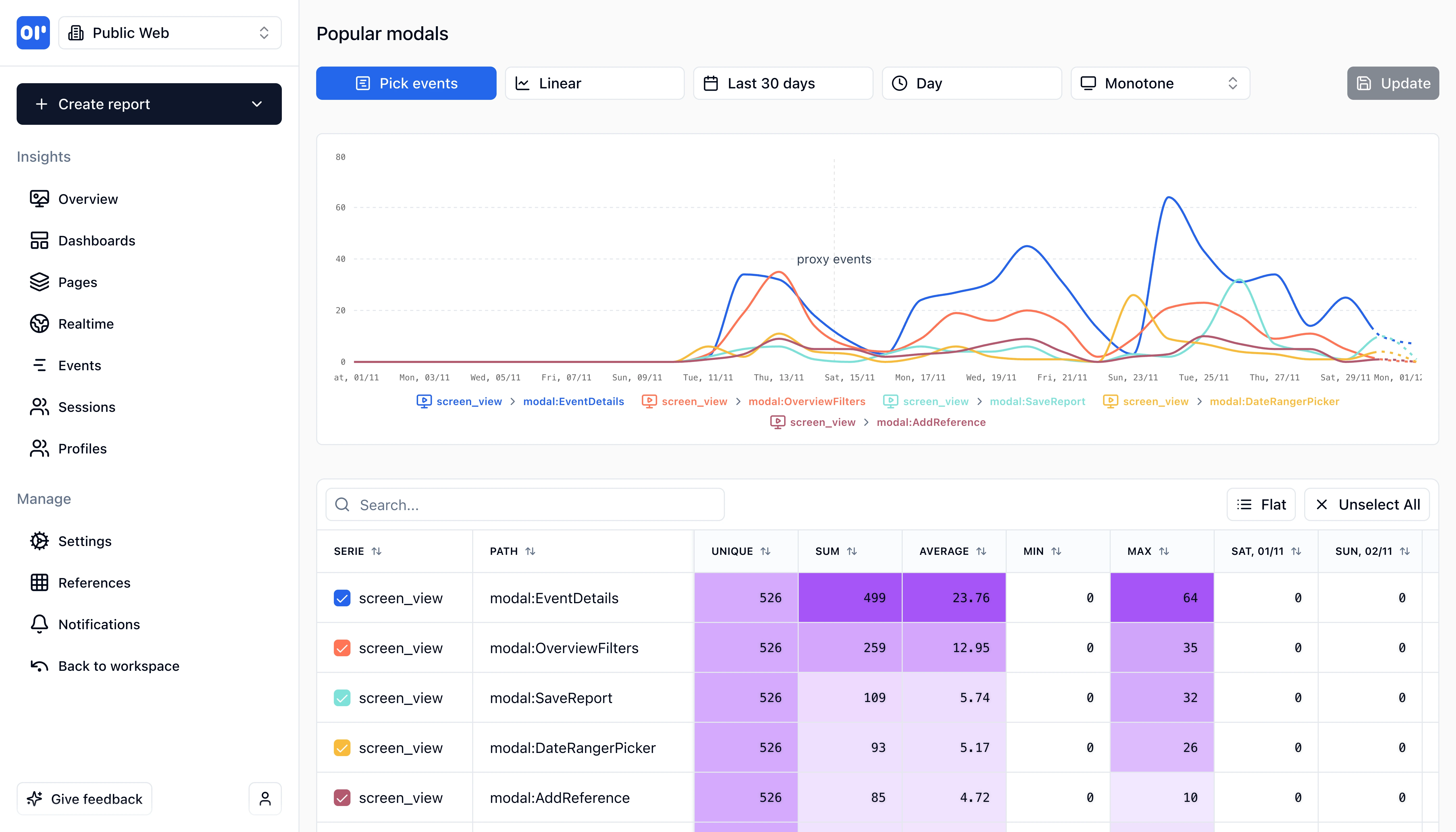
OpenPanel Real-time Analytics
Track events in real-time as they happen with instant updates and live monitoring.

Technical comparison

For developers evaluating analytics tools, here's the technical breakdown.

FeatureOpenPanelCountly
SDK Size2.3 KB (gzipped)
Varies by platform (larger, full-featured SDKs)
Platforms
  • JavaScript/TypeScript
  • React
  • Next.js
  • Vue
  • React Native
  • iOS
  • Android
  • Node.js
  • Python
  • PHP
  • Go
  • Rust
  • JavaScript/Web
  • iOS
  • Android
  • React Native
  • Flutter
  • Unity
  • C++
  • Java
  • Windows
  • Node.js
Open SourceYes - MIT License
Partial - AGPL (non-commercial only)OpenPanel is fully MIT licensed. Countly Lite is AGPL-3.0 (non-commercial only). Countly Enterprise is proprietary.
Self HostingDocker (simple single-container setup)
Docker or install script (requires MongoDB, Node.js, Nginx)
DatabaseClickHouse
MongoDB
Data RetentionUnlimited (self-hosted), configurable (cloud)
6 months (Flex free), configurable as add-on
CertificationsNone listed
ISO 27001, SOC2

Pricing comparison

Countly's MAU-based pricing with add-ons can get expensive. OpenPanel offers simple event-based pricing.

OpenPanel

Event-based, transparent

Simple pricing with 10,000 free events per month.

All features included at every tier.

Self-host for free with unlimited events.

Free tier:Self-hosting (unlimited events)
Free trial:30 days

Countly

MAU-based with feature add-ons

Lite: Self-hosted, AGPL, non-commercial only.

Flex Free: 500 MAUs.

Flex Tier 1: $80/month for 2,000 MAUs.

Core analytics included, advanced features (A/B testing, surveys, push) are add-ons.

Fully-featured Flex can cost $132,000+/year at scale.

Free tier:Lite (non-commercial only) or Flex Free (500 MAUs)

Migrating from Countly to OpenPanel

Switching from Countly to OpenPanel is straightforward for analytics. You'll need separate tools for push notifications and crash reporting.

Difficulty:moderate
Estimated time:1-4 hours depending on feature usage
1

Install OpenPanel SDK

Replace Countly SDK with OpenPanel. OpenPanel's SDK is significantly lighter and simpler to integrate.

2

Map Events and Properties

Countly events map directly to OpenPanel events. Countly.recordEvent() becomes op.track(). User properties translate similarly.

3

Set Up User Identification

Both platforms support user identification. Replace Countly's device ID management with OpenPanel's identify() method.

4

Recreate Funnels and Cohorts

Set up your conversion funnels and user cohorts in OpenPanel. The concepts are similar, though OpenPanel's interface is simpler.

5

Plan for Feature Gaps

If you use Countly's push notifications, crash reporting, or remote config, you'll need separate tools. OpenPanel focuses purely on analytics.

SDK Compatibility

Both use event-based tracking with similar APIs.

Historical Data Import

Most teams start fresh with OpenPanel and run both tools in parallel briefly.

Where OpenPanel is a better fit than Countly

Choose OpenPanel when you want analytics without the complexity and cost of an all-in-one platform.

Teams Wanting Simpler, Cheaper Analytics

Countly's MAU-based pricing gets expensive quickly, and the feature add-on model adds complexity. OpenPanel offers straightforward event-based pricing with all features included.

Open Source Commercial Use

Countly Lite's AGPL license prohibits commercial use - you must buy Enterprise. OpenPanel's MIT license allows unlimited commercial use for free.

Lightweight Self-Hosting

Countly requires MongoDB, Node.js, and Nginx with complex upgrade procedures. OpenPanel runs in a simple Docker container with ClickHouse for faster queries.

Pure Product Analytics Focus

If you only need analytics without push notifications, crash reporting, or remote config, OpenPanel provides a focused, less complex solution.

Startups with Limited Budgets

Countly's pricing can reach $132,000+/year for full features at scale. OpenPanel's event-based model is more predictable and affordable for growing startups.

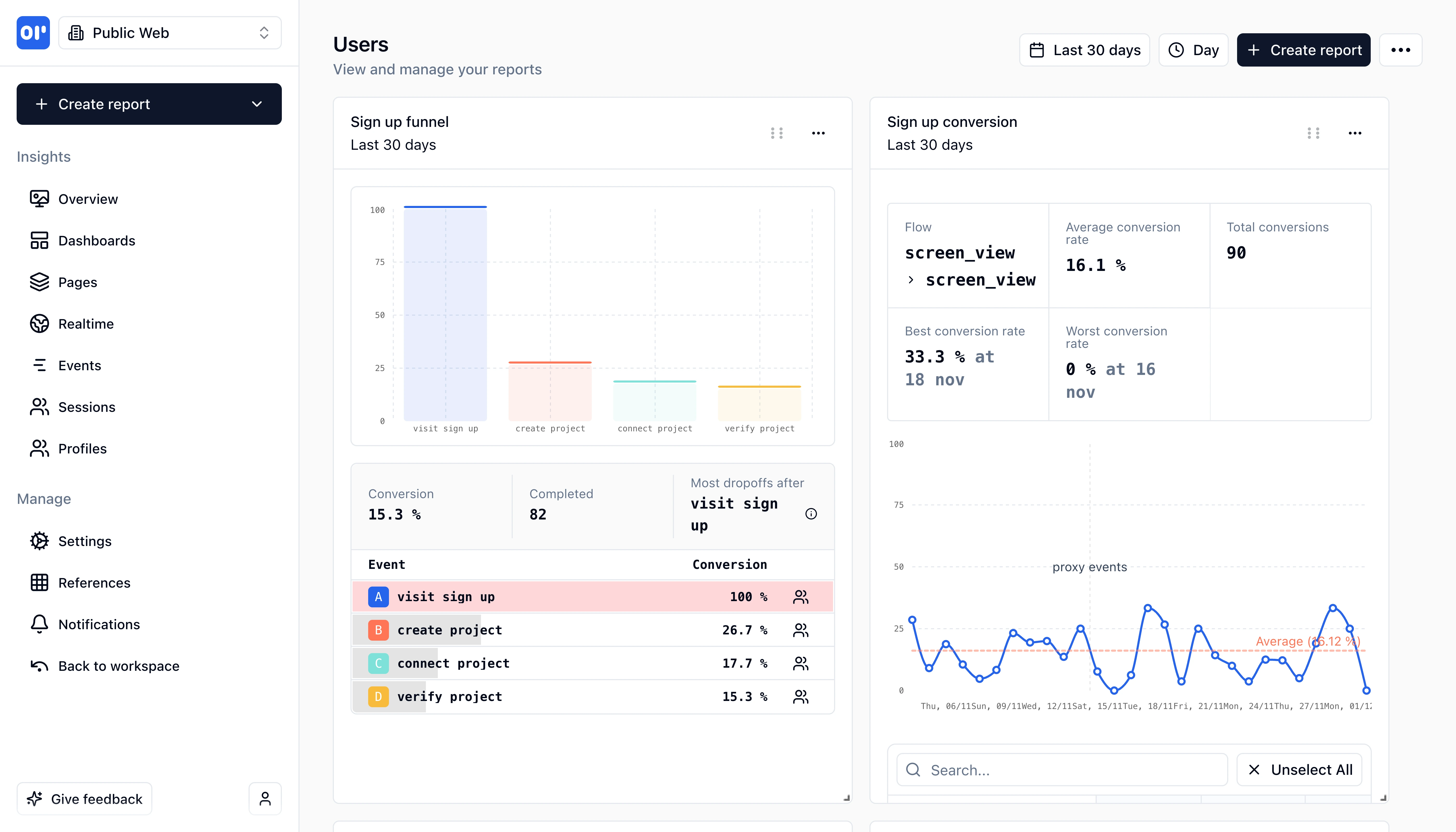
OpenPanel Reports
Generate detailed reports and insights with customizable metrics and visualizations.
OpenPanel User Profiles
Deep dive into individual user profiles with complete event history and behavior tracking.

Frequently asked questions

Common questions about switching from Countly to OpenPanel.

Related resources

Explore more comparisons and guides to help you choose the right analytics tool

Ready to make the switch?

Test OpenPanel free for 30 days, you'll not be charged anything unless you upgrade to a paid plan.

Start with OpenPanel